
Guide for Preview (Mac)


Print on the Center
You can print on the center of the media loaded in the printer.
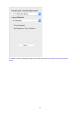
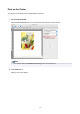
1. Select Print Centered.
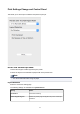
Click the Print Centered check box on the Print Settings Change and Control Panel.
Note
• You cannot select this if Borderless Printing is set in the printer driver.
2.
Click Print button.
Printing on the center begins.
30