
Guide for Media Configuration Tool (Windows)

Note
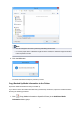
• You can change the file name by selecting and editing the file name.
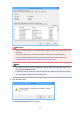
• For custom paper where a calibration target has been created, the calibration target information
is also exported to the file.
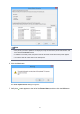
4.
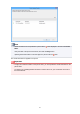
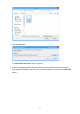
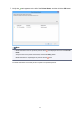
Click the OK button.
The media information backup file (.amb file) is saved.
Copy Backed Up Media Information to the Printer
Import the media information file that you backed up.
If you want to restore the media information that you backed up in advance, import the media information
file using the following procedure.
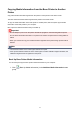
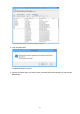
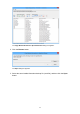
1. Click (Copy Media Information to Specified Printer) in the Add/Save Media
Information button group.
45