
Guide for Media Configuration Tool (Mac)

Ink Usage
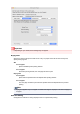
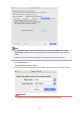
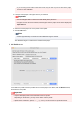
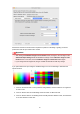
Select the ink usage level for test printing. Canon Base Paper is the ink usage for paper selected
as the basis for the custom paper.
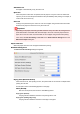
Image Used in Test Print
Sets the image to use in test prints.
Note
•
To use an image other than the standard image, use an uncompressed TIFF file where each
RGB color is 8 bits.
•
Images that are larger than the paper size may be printed with the image cropped.
•
The maximum image size that can be used for test printing is 4 GB.
7.
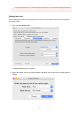
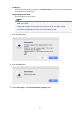
Click the Yes button.
8.
Click the OK button.
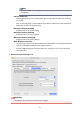
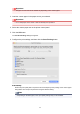
9. Select Ink Usage in the Advanced Paper Settings sheet.
89