
Guide for Media Configuration Tool (Mac)

Important
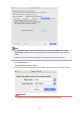
• The paper sources that can be loaded vary depending on the custom paper.
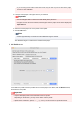
3. Load the custom paper in the paper source you selected.
Important
• Do not load paper that is curled or that has already been printed on.
4.
Select the custom paper set on the printer control panel.
5.
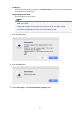
Click the OK button.
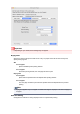
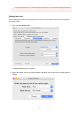
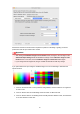
The Test Print Settings dialog box appears.
6.
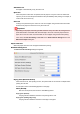
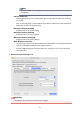
Configure the print settings, and then click the Start Printing button.
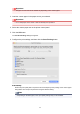
Print Quality
Selects the print quality that is expected to be used frequently when printing on the custom paper
being added. The test print is performed using the selected setting.
Note
•
Depending on the base paper, some print quality settings may not be available.
88