
Guide for Media Configuration Tool (Mac)


Note
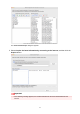
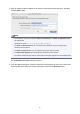
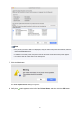
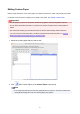
• Custom paper was not added for printers with a mark displayed to the left of the Printer Name.
Verify the state of the printer and network, and click the Retry button.
Custom paper will be added again for printers with the mark.
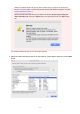
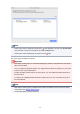
The custom paper is added to the printer.
Important
•
After adding custom paper, we recommend adjusting the position of the printhead for the custom
paper that you added.
For how to adjust the printhead position, see "Adjustments for Better Print Quality" for your model
from the Home of the Online Manual.
• To apply the added custom paper to the printer driver, you must update the media information in
the printer driver.
For details, see "Updating Media Information in Printer Driver" for your model from the Home of
the Online Manual.
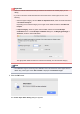
Note
•
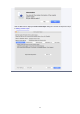
After that, the custom paper you added must be edited. For details on the procedure for editing
custom paper, see "Editing Custom Paper."
To edit it immediately, click the Yes button.
68