
Guide for Media Configuration Tool (Mac)
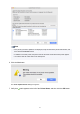
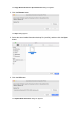
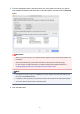

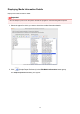

5. From the displayed printers, select the check box of the printers for which you want to
copy media information at the same time as the base printer, and then click the Execute
button.
Important
• When you execute the copy, the media information registered in the printer being copied to will
be deleted.
We recommend backing up the media information in advance before executing copy.
For how to back up media information, see "Back Up Base Printer Media Information" in
"
Copying Media Information from the Base Printer to Another Printer".
Note
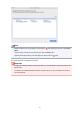
• If the printer you want to copy is not displayed, verify the state of the printer and network, and
then click the Find Printer button.
•
In addition to the base printer, the printers that are the same model as the base printer appear.
•
You cannot clear the check mark for the base printer.
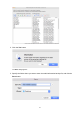
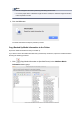
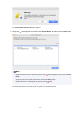
6. Click the Yes button.
47