
Guide for Media Configuration Tool (Mac)
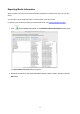
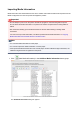


Note
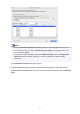
• You can select multiple media information.
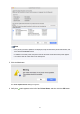
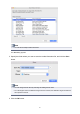
The Save dialog appears.
3.
Specify the folder where you want to save the media information file, and click the Save
button.
Note
•
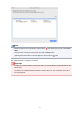
You can change the file name by selecting and editing the file name.
•
For custom paper where a calibration target has been created, the calibration target information is
also exported to the file.
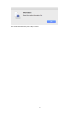
4. Click the OK button.
36