
Guide for Free Layout (Mac)

Print Dialog Box
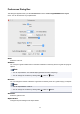
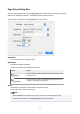
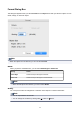
This dialog box appears when you select Print from the File menu. Print from this dialog box.
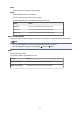
Printer
Select a printer to use for printing.
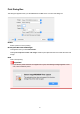
Do not print the lower end margin
This appears when you click Show Details.
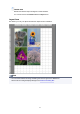
Clicking Do not print the lower end margin creates a print object that does not include the lower end
margin.
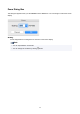
Print
Click to start printing.
Important
• If you select a printer that does not support Free Layout, the following message appears. In this
case, select a different printer.
27