
Guide for Device Management Console (Windows)


(3) Main Area
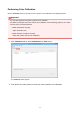
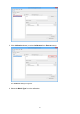
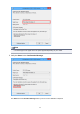
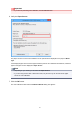
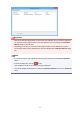
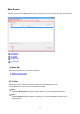
The main area includes the Printer Status sheet and Calibration sheet.
Click Printer Status tab to display Printer Status sheet, and click Calibration tab to display Calibration
sheet. You can also use the View menu in the menu bar to select the display.
Main Screen (Printer Status Sheet)
Main Screen (Calibration Sheet)
(4) Status Bar
The Device Management Console settings status and printer communication status appear.
Use the View menu in the menu bar to show/hide the status bar.
49