
Guide for Device Management Console (Windows)


Checking Printer Status
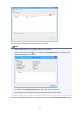
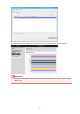
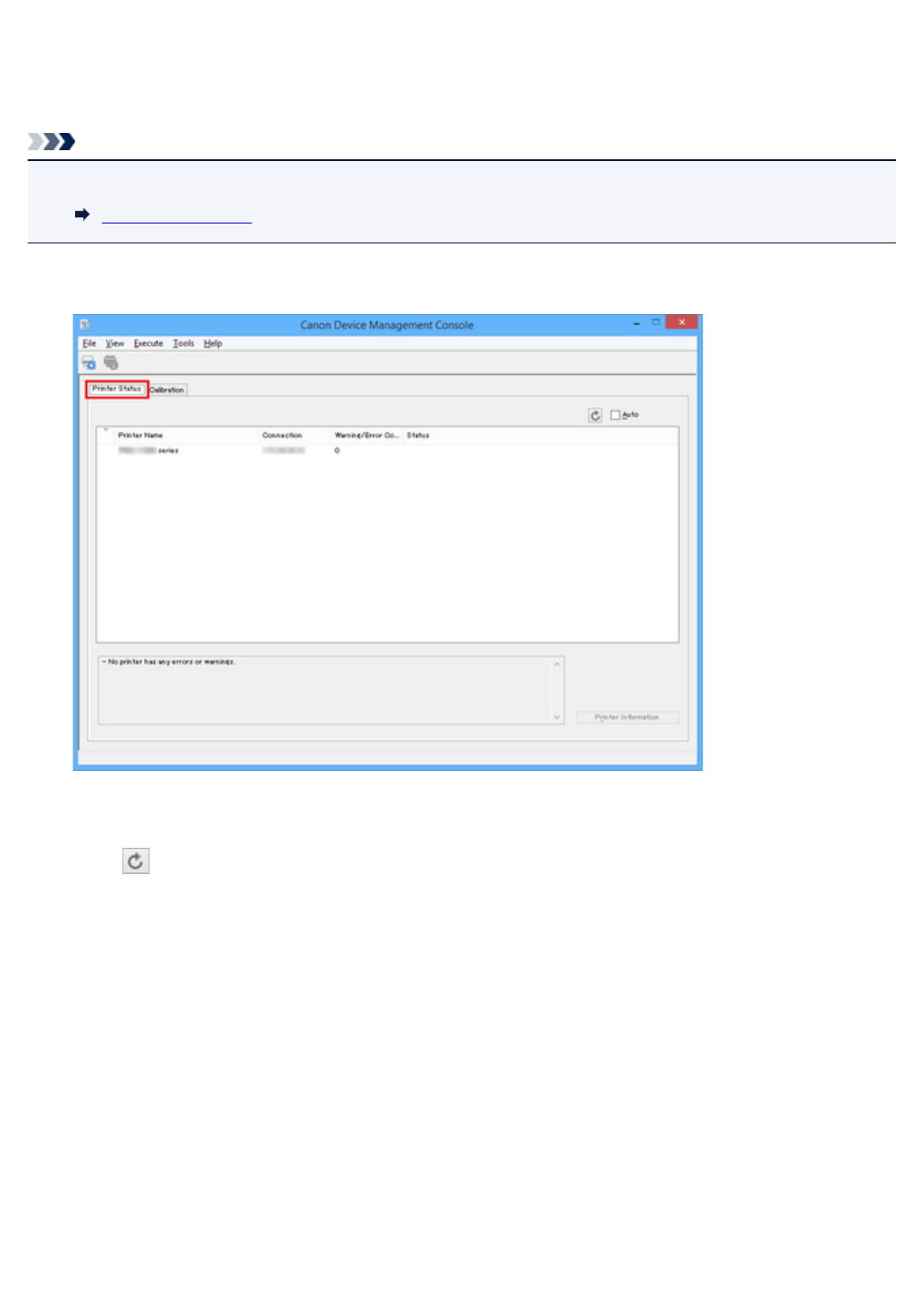
Use the Printer Status sheet on the main screen to check the printer status.
Note
• To check the status of a printer, the managed printer must be registered in advance.
Registering Printer
1.
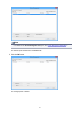
Click Printer Status tab (or select Printer Status from View menu).
The Printer Status sheet appears.
2.
Click button (or select Update from View menu).
26