
Guide for Device Management Console (Mac)


View Menu
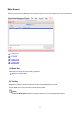
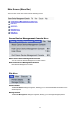
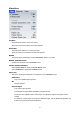
Toolbars
Shows/hides the toolbar on the main screen.
When the check box is selected, the toolbar appears.
Status Bar
Shows/hides the status bar on the main screen.
When the check box is selected, the status bar appears.
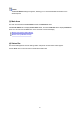
Update
The printer status that appears on the Printer Status sheet is up to date.
Update Calibration Link
Updates the printer list on the Calibration sheet.
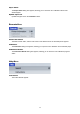
Printer Status/Calibration
Select Printer Status to display the Printer Status sheet.
Select Calibration to display the Calibration sheet.
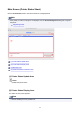
Paper List
Selects the media types displayed in the paper list on the Calibration sheet.
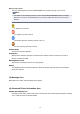
Calibrated
Only color-calibrated paper appears.
All
All paper appears.
Custom Paper
Only custom paper appears.
Custom paper is paper added with Media Configuration Tool.
To execute color calibration with custom paper, the calibration target for that paper must be
created.
For details on custom paper and creating a calibration target, refer to "Media Configuration Tool
Guide" from the Home of the Online Manual.
47