
Guide for Device Management Console (Mac)
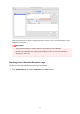
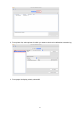
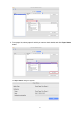

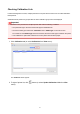
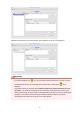

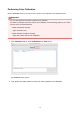
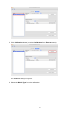
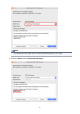

Calibration-linked printers are grouped with the same calibration group name and displayed.
Important
•
For printers displayed with , you may not be able to print with the same color tone. See the
message displayed in the guide message area, and print after confirming that is not
displayed.
For printers showing the message "The calibration target in the media information file is not
up-to-date.", use the Media Configuration Tool to export the media information of a printer not
showing this message, and then import the exported media information to the printer showing this
message. For information about exporting and importing media information, see "Media
Configuration Tool Guide" from the Home of the Online Manual.
36