
imageCLASS MF7280 Reference Guide





Department ID Management
5-16
5
System Manager Settings
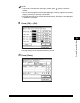
NOTE
•
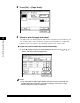
If you make a mistake when entering a number, press (Clear) to clear the
number.
•
You can set the page limit from 0 to 999,999 pages. Once the page limit is reached,
copying, scanning, or printing is not possible.
•
The page limit refers to the number of printed surfaces. Therefore, a two-sided print
is counted as two pages.
7
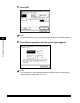
Press [Done].
8
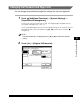
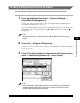
Press [OK].
NOTE
If you selected [On] in step 2, pressing [OK] activates Department ID Management.