Canceling Copy/Print Jobs
4-10
4
Checking Job and Device Status
Canceling Copy/Print Jobs
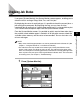
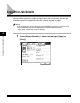
You can cancel the current copy/print jobs.
1
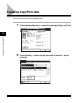
Press [System Monitor] ➞ select the job type [Copy] or [Print].
2
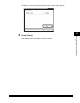
Press [Status] ➞ select the job you want to cancel ➞ press
[Cancel].