Copy/Print Job Details
4-9
4
Checking Job and Device Status
2
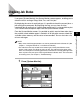
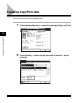
Press [Status] or [Log] ➞ select the job whose details you
want to check ➞ press [Details].
3
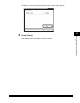
Check the detailed information ➞ press [Done] repeatedly
until the Basic Features screen appears.