
imageCLASS MF4270 Basic Operation Guide

4-27
Sending Faxes
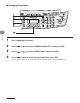
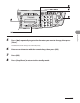
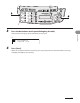
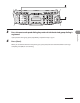
3 Press the one-touch speed dialing key under which the desired group dialing is
registered.
If you pressed a wrong key, press [Stop/Reset], and perform step 3 again.
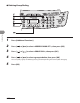
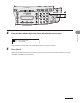
4 Press [Start].
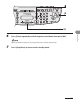
When you set the documents on the platen glass, press [Start] for each document. When scanning is
complete, press [OK] to start sending.