imageCLASS MF4150 Basic Guide
Manuals
Brands
Canon Manuals
Copier
imageCLASS MF4150
71
72
73
74
75
76
77
78
79
80
4-17
Sending Faxes
5
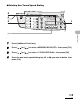
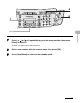
Press [
] or [
]
repeatedly to go to the wr
ong char
acter
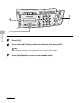
, then pres
s
[Clear] to dele
te it.
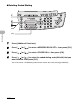
T
o delete the en
tire na
me
, press an
d hold
[Clear].
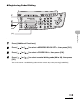
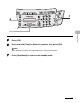
6
Enter a new c
haracter
with
the n
umeric ke
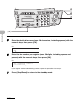
ys, then press [OK].
5
[OK]
6
1
...
...
74
75
76
77
78
...
...
175