imageCLASS MF4150 Basic Guide
Manuals
Brands
Canon Manuals
Copier
imageCLASS MF4150
71
72
73
74
75
76
77
78
79
80
4-13
Sending Faxes
5
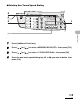
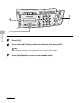
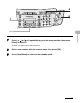
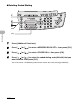
Press [OK].
6
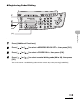
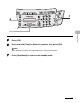
Press and hold [Clear] to delete all n
umbers
, then press [OK].
NOT
E
When del
eting a
ll n
umbe
rs,
the regi
stered
name
is clear
ed auto
matic
ally
.
7
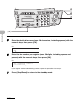
Press [Stop/Reset] to return to the
standb
y mode.
6
[OK]
7
1
...
...
70
71
72
73
74
...
...
175