
Multi-Protocol On-board Ethernet Multi-function Print Server and Wireless (IEEE 802.11b/g) Ethernet Multi-function Print Server User's Guide

Wireless configuration for Windows
®
using the Brother installer application
48
4
Note
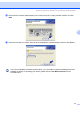
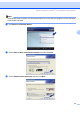
If this window does not appear, use Windows
®
Explorer to run the start.exe program from the root folder
of the Brother CD-ROM.
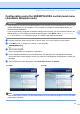
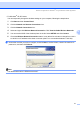
f Click Wireless LAN Setup Wizard.
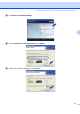
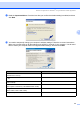
g Choose Step by Step install (Recommended) and then click Next.
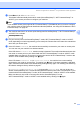
h Choose Without cable (Advanced) and then click Next.