
Printer/Fax/Scanner/Copier Quick Setup Guide
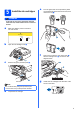
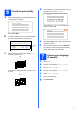
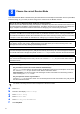
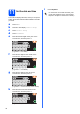
Table Of Contents
- Quick Setup Guide MFC-790CW MFC-990CW
- Start Here
- 1 Unpack the machine and check the components
- 2 Connect the handset (MFC-790CW only)
- 3 Load plain Letter/A4 paper
- 4 Connect the power cord and telephone line
- 5 Install the ink cartridges
- 6 Check the print quality
- 7 Choose your language (If needed)
- 8 Choose the correct Receive Mode
- 9 Setting up the Message Center
- 10 Set the LCD contrast (If needed)
- 11 Set the date and time
- 12 Set your station ID
- 13 Set tone or pulse dialing mode
- 14 Automatic Daylight Savings Time
- 15 Send in the Product Registration and Test Sheet (USA only)
- Set up the cordless handset (MFC-990CW only)
- For USB Interface Users (For Windows® 2000 Professional/XP/XP Professional x64 Edition/ Windows Vista®)
- For USB Interface Users (For Mac OS® X 10.2.4 or greater)
- For Wired Network Interface Users (For Windows® 2000 Professional/XP/XP Professional x64 Edition/ Windows Vista®)
- For Wired Network Interface Users (For Mac OS® X 10.2.4 or greater)
- For Wireless Network Interface Users
- 23 Before you begin
- 24 Confirm your network environment (Infrastructure Mode)
- Connecting the Brother machine to the wireless network
- Install the Drivers & Software (For Windows® 2000 Professional/XP/XP Professional x64 Edition/ Windows Vista®)
- Install the Drivers & Software (For Mac OS® X 10.2.4 or greater)
- Install Optional Applications Windows®
- For Network Users
- Consumables
- brother USA/CAN
- Start Here
9
9
Setting up the Message
Center
You must record an outgoing message in order to use
the Message Center mode.
a Record the Message Center outgoing
message (Msg Ctr OGM).
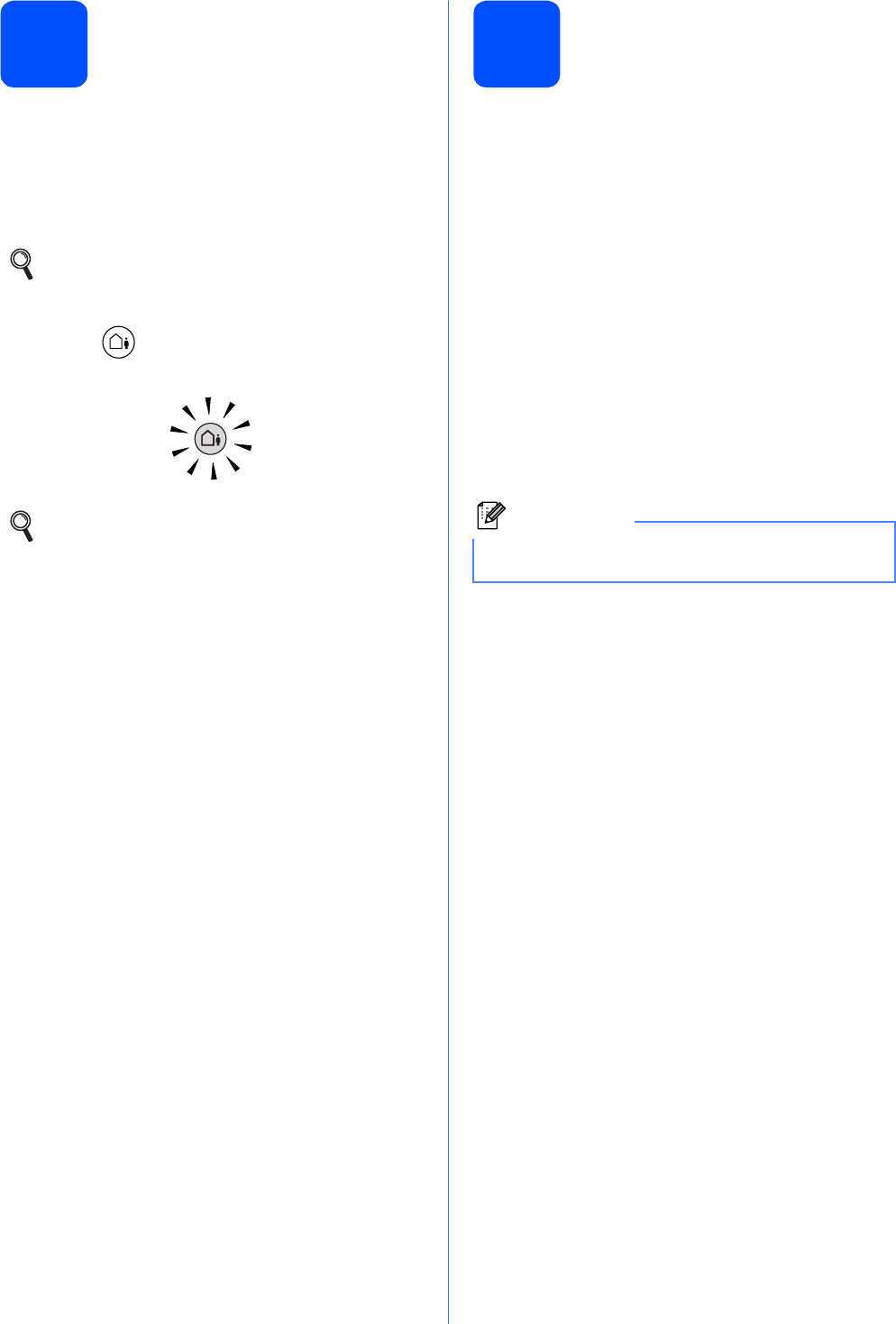
b Activate Message Center mode.
Press . The button will light when the mode
is active.
10
Set the LCD contrast
(If needed)
If you are having difficulty reading the LCD, try
changing the contrast setting.
a Press MENU.
b Press a or b to display General Setup.
c Press General Setup.
d Press a or b to display LCD Settings.
e Press LCD Settings.
f Press LCD Contrast.
g Press Light, Med or Dark.
h Press Stop/Exit.
See Outgoing message (OGM) in Chapter 9
of the User’s Guide.
If the Message Center Mode is on, it
overrides your Receive Mode setting. The
built-in digital Message Center answers
voice calls. If the call is a fax, you can
receive a fax automatically. For details, see
Message Center in Chapter 9 of the User’s
Guide.
Note
You can also adjust the angle of the display by
lifting it.