
Network User's Guide for Internet Fax
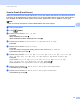

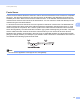
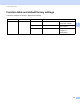
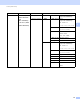
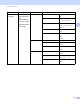
Table Of Contents
- NETWORK USER’S GUIDE
- Definitions of notes
- IMPORTANT NOTE
- Table of Contents
- 1 Internet fax
- 2 Storing numbers and E-mail addresses
- 3 Control panel setup
- E-mail/IFAX menu
- Function table and default factory settings
- Index

Control panel setup
33
3
Setting Fax to Server to On 3
You can store the prefix/suffix address for the fax server in the machine.
a Press Menu.
b Press a or b to choose Network.
Press OK.
c Press a or b to choose FaxtoServer.
Press OK.
d Press a or b to choose On.
Press OK.
e Press a or b to choose Prefix.
Press OK.
f Enter the prefix using the dial pad.
g Press OK.
h Press a or b to choose Suffix.
Press OK.
i Enter the suffix using the dial pad.
j Press OK.
k Press Stop/Exit.
Note
You can enter the prefix and suffix address using up to a total of 40 characters.
How to operate Fax to Server 3
a Place the document in the ADF or on the scanner glass.
b Enter the fax number.
c The machine will send the message over a TCP/IP network to the fax server.