
User's Manual
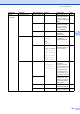

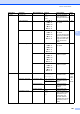
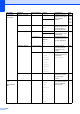
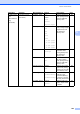



Menu and features
205
D
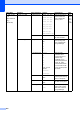
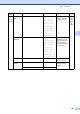
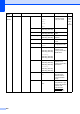
6.Print Reports
(MFC-9320CW)
1.XMIT Verify 1.View on LCD — Prints a Transmission
Verification Report for
your last transmission.
83
2.Print Report
—
2.Help List — — Prints the Help List so
you can see
at-a-glance how to
quickly program your
machine.
83
3.Tel Index List 1.Numeric — Lists names and
numbers stored in the
One Touch and
Speed Dial memory,
in numerical or
alphabetical order.
83
2.Alphabetic —
4.Fax Journal — — Lists information
about your last 200
incoming and
outgoing faxes.
(TX means Transmit.
RX means Receive.)
83
5.User Settings — — Lists your settings. 83
6.Network Config — — Lists your Network
settings.
83
7.Order Form — — You can print an
accessories order
form to fill out and
send to your Brother
dealer.
83
Main Menu Submenu Menu Selections Options Descriptions Page