
User Guide



Table Of Contents
- USER’S GUIDE MFC-8480DN/MFC-8680DN/MFC-8690DW/MFC-8890DW
- Brother numbers
- Ordering accessories and supplies
- Notice - Disclaimer of Warranties (USA and Canada)
- Compilation and Publication Notice
- Brother™ One-Year Limited Warranty and Replacement Service (USA Only)
- BROTHER MULTIFUNCTION CENTER / FAX MACHINELIMITED WARRANTY (Canada only)
- Table of Contents
- Section I: General
- 1 General information
- Using the documentation
- Accessing the Software User’s Guide and Network User’s Guide
- Viewing documentation
- Viewing documentation (Windows®)
- How to find scanning instructions
- Software User’s Guide:
- ScanSoft™ PaperPort™ 11SE with OCR How-to-Guides:
- How to find Network setup instructions (MFC-8690DW and MFC-8890DW)
- Viewing documentation (Macintosh)
- How to find scanning instructions
- Software User’s Guide:
- Presto! PageManager User’s Guide:
- How to find Network setup instructions (MFC-8690DW and MFC-8890DW)
- Viewing documentation
- Accessing Brother support (Windows®)
- Control panel overview
- 2 Loading paper and documents
- 3 General Setup
- 4 Security features
- 1 General information
- Section II: Fax
- 5 Sending a fax
- How to fax
- Broadcasting
- Additional sending operations
- 6 Receiving a fax
- 7 Telephone services and external devices
- 8 Dialing and storing numbers
- 9 Remote Fax Options
- 10 Polling
- 11 Printing reports
- 5 Sending a fax
- Section III: Copy
- Section IV:Direct printing
- Section V:Software
- Section VI: Appendixes
- A Safety and legal
- B Options
- C Troubleshooting and routine maintenance
- D Menu and features
- E Specifications
- F Glossary
- Index
- brother USA/CAN
Troubleshooting and routine maintenance
167
C
Checking the remaining life of
parts C
You can see the remaining life of the
machine's drum unit and periodic
maintenance parts on the LCD.
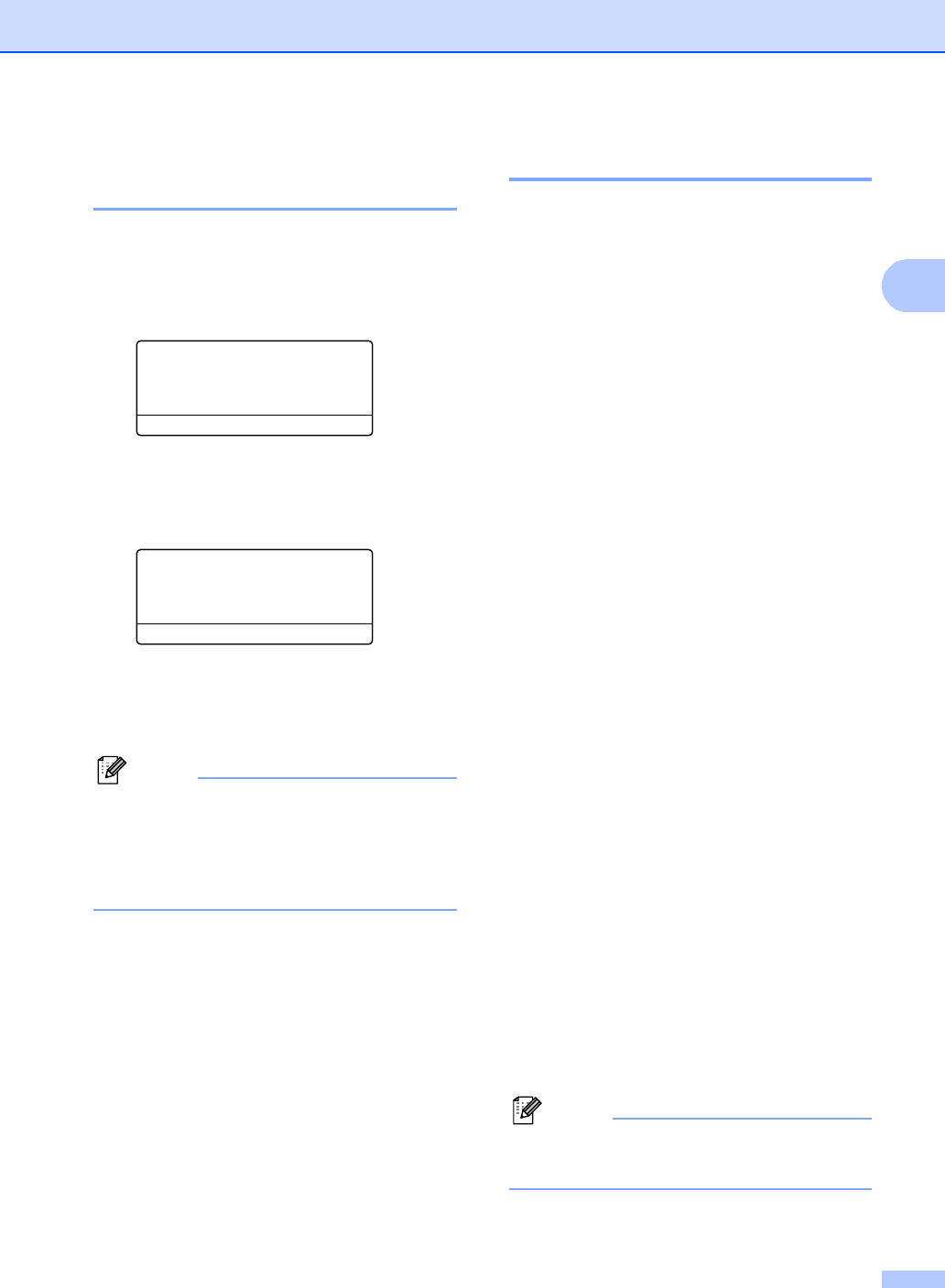
a Press Menu, 8, 3.
83.Parts Life
1.Drum
2.Fuser
3.Laser
Select ab or OK
b Press a or b to choose 1.Drum,
2.Fuser, 3.Laser, 4.PF Kit MP,
5.PF Kit 1 or 6.PF Kit 2
1
.
Press OK.
83.Parts Life
1.Drum
Remaining: XX%
1
PF Kit 2 appears only when the optional
LT-5300 tray is installed.
c Press Stop/Exit.
Note
The life check will be accurate only if you
have reset the drum counter when you
installed a new drum unit. It will not be
accurate if that part’s life counter was
reset during the life of the used part.
Reset C
The following reset functions are available:
1 Network
You can reset the print server back to its
default factory settings such as the
password and IP address infromation.
2 Address & Fax
Address & Fax resets the following
settings:
Address Book
(One-Touch Dial, Speed-Dial and
Setup Groups)
Programmed fax jobs in the memory
(Polled TX, Delayed Fax and Delayed
Batch)
Station ID
(Name and Number)
Coverpage Msg
(Comments)
Remote Fax Option
(Remote Access Code, Fax Storage,
Fax Forwarding, Paging and PC-Fax)
Report settings
(Transmission Verification Report, Tel
Index List and Fax Journal)
Setting Lock Password
3 All Settings
You can reset all the machine settings
back to the settings that were set at the
factory.
Brother strongly recommends you use this
operation when you dispose of the
machine.
Note
Unplug the interface cable before you choose
Network or All Settings.