
User Guide



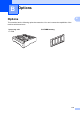
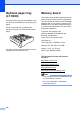


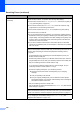
Table Of Contents
- USER’S GUIDE MFC-8480DN/MFC-8680DN/MFC-8690DW/MFC-8890DW
- Brother numbers
- Ordering accessories and supplies
- Notice - Disclaimer of Warranties (USA and Canada)
- Compilation and Publication Notice
- Brother™ One-Year Limited Warranty and Replacement Service (USA Only)
- BROTHER MULTIFUNCTION CENTER / FAX MACHINELIMITED WARRANTY (Canada only)
- Table of Contents
- Section I: General
- 1 General information
- Using the documentation
- Accessing the Software User’s Guide and Network User’s Guide
- Viewing documentation
- Viewing documentation (Windows®)
- How to find scanning instructions
- Software User’s Guide:
- ScanSoft™ PaperPort™ 11SE with OCR How-to-Guides:
- How to find Network setup instructions (MFC-8690DW and MFC-8890DW)
- Viewing documentation (Macintosh)
- How to find scanning instructions
- Software User’s Guide:
- Presto! PageManager User’s Guide:
- How to find Network setup instructions (MFC-8690DW and MFC-8890DW)
- Viewing documentation
- Accessing Brother support (Windows®)
- Control panel overview
- 2 Loading paper and documents
- 3 General Setup
- 4 Security features
- 1 General information
- Section II: Fax
- 5 Sending a fax
- How to fax
- Broadcasting
- Additional sending operations
- 6 Receiving a fax
- 7 Telephone services and external devices
- 8 Dialing and storing numbers
- 9 Remote Fax Options
- 10 Polling
- 11 Printing reports
- 5 Sending a fax
- Section III: Copy
- Section IV:Direct printing
- Section V:Software
- Section VI: Appendixes
- A Safety and legal
- B Options
- C Troubleshooting and routine maintenance
- D Menu and features
- E Specifications
- F Glossary
- Index
- brother USA/CAN
120
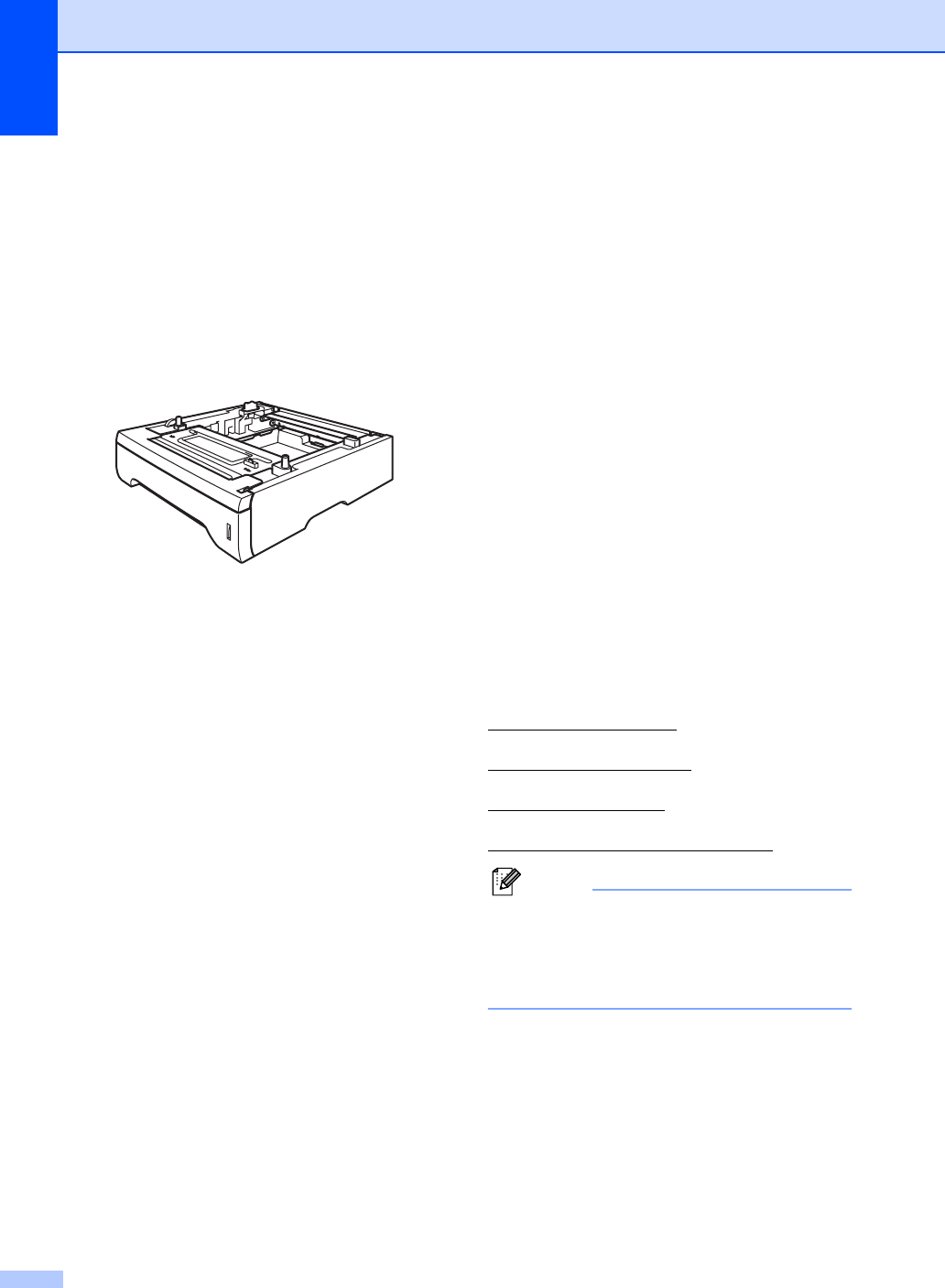
Optional paper tray
(LT-5300) B
An optional lower tray can be installed, and it
can hold up to 250 sheets of 20 lb (80 g/m
2
)
paper.
When an optional tray is installed, the
machine can hold up to 550 sheets of plain
paper.
For setup, see the Instructions that we have
supplied with the lower tray unit.
Memory board B
This machine has 64 MB of standard memory
and one slot for optional memory expansion.
You can expand the memory up to 576 MB by
installing dual in-line memory modules (SO-
DIMMs). When you add the optional memory,
it increases the performance for both copier
and printer operations.
In general, the machine uses
industry-standard SO-DIMM with the
following specifications:
Type: 144 pin and 64 bit output
CAS latency: 2
Clock frequency: 100 MHz or more
Capacity: 64, 128, 256 or 512 MB
Height: 1.25 in. (31.75 mm)
Dram Type: SDRAM 2 Bank
The following web sites sell memory
modules:
http://www.crucial.com/
http://www.kingston.com/
http://goldenram.com/
http://www.buffalo-technology.com/
Note
• There might be some SO-DIMMs that will
not work with the machine.
• For more information, call Brother
Customer Service.