
Printer/Fax/Scanner/Copier MFC-8220 USER'S GUIDE

AUTO DIAL NUMBERS AND DIALLING OPTIONS 7 - 6
6
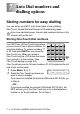
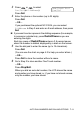
Use the dial pad and the chart on page 4-3 to enter a name for
the Group.
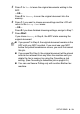
Press
Set
.
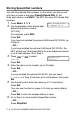
(For example,
NEW CLIENTS
)
7
Press
Stop/Exit
.
You can print a list of all One-Touch and Speed-Dial numbers.
(See Printing reports on page 9-3.) Group numbers will be
marked in the column of 'Group'.