
Printer/Fax/Scanner/Copier Quick Setup Guide
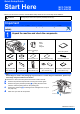
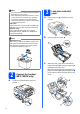
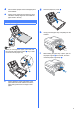
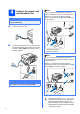
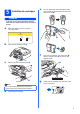
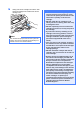
Table Of Contents
- Quick Setup Guide MFC-790CW MFC-990CW
- Start Here
- 1 Unpack the machine and check the components
- 2 Connect the handset (MFC-790CW only)
- 3 Load plain Letter/A4 paper
- 4 Connect the power cord and telephone line
- 5 Install the ink cartridges
- 6 Check the print quality
- 7 Choose your language (If needed)
- 8 Choose the correct Receive Mode
- 9 Setting up the Message Center
- 10 Set the LCD contrast (If needed)
- 11 Set the date and time
- 12 Set your station ID
- 13 Set tone or pulse dialing mode
- 14 Automatic Daylight Savings Time
- 15 Send in the Product Registration and Test Sheet (USA only)
- Set up the cordless handset (MFC-990CW only)
- For USB Interface Users (For Windows® 2000 Professional/XP/XP Professional x64 Edition/ Windows Vista®)
- For USB Interface Users (For Mac OS® X 10.2.4 or greater)
- For Wired Network Interface Users (For Windows® 2000 Professional/XP/XP Professional x64 Edition/ Windows Vista®)
- For Wired Network Interface Users (For Mac OS® X 10.2.4 or greater)
- For Wireless Network Interface Users
- 23 Before you begin
- 24 Confirm your network environment (Infrastructure Mode)
- Connecting the Brother machine to the wireless network
- Install the Drivers & Software (For Windows® 2000 Professional/XP/XP Professional x64 Edition/ Windows Vista®)
- Install the Drivers & Software (For Mac OS® X 10.2.4 or greater)
- Install Optional Applications Windows®
- For Network Users
- Consumables
- brother USA/CAN
- Start Here
5
5
Install the ink cartridges
WARNING
If ink gets in your eyes, wash them out with
water at once, and if irritation occurs consult a
doctor.
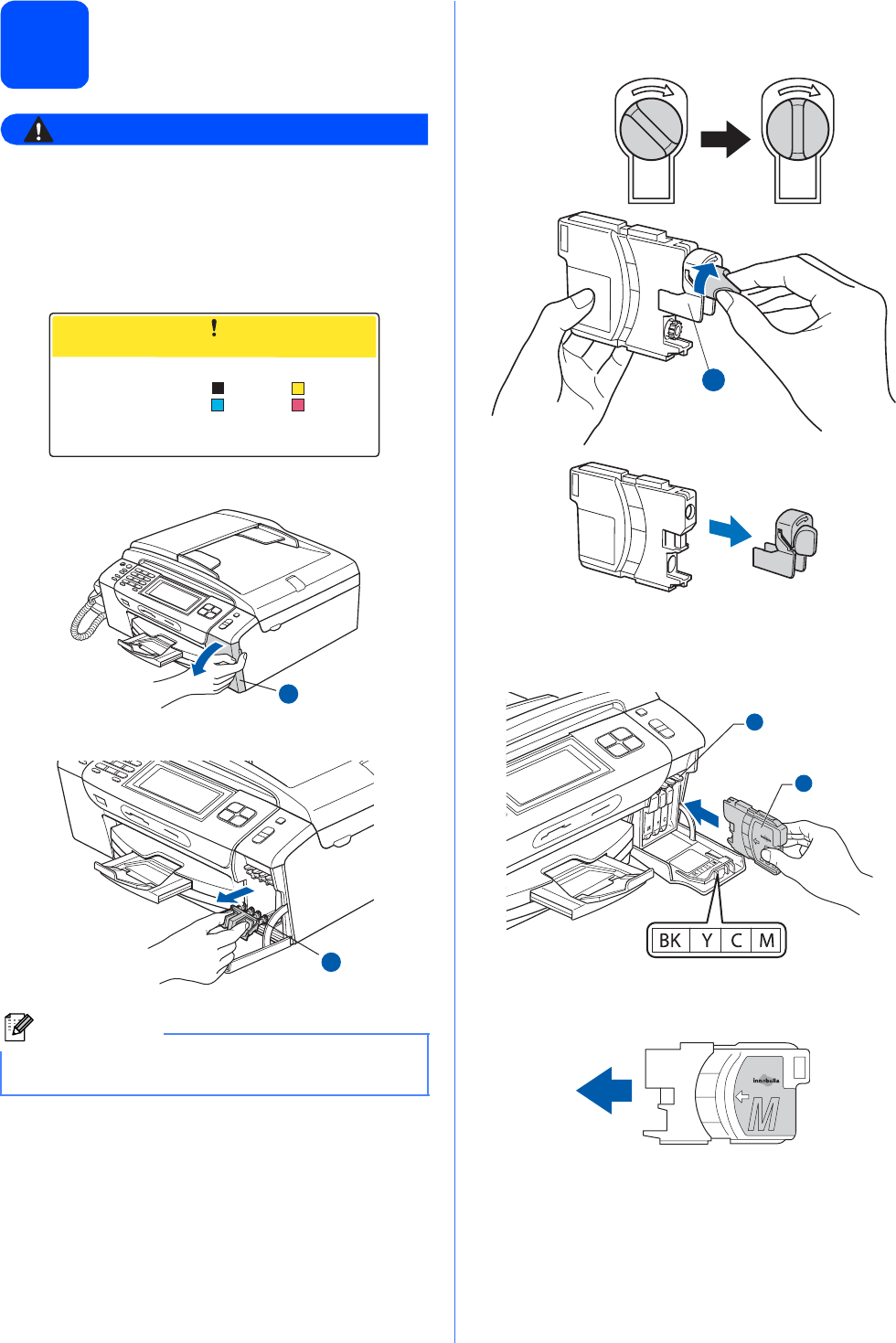
a Make sure that the power is turned on.
The LCD shows:
b Open the ink cartridge cover a.
c Remove the green protective part a.
d Unpack the ink cartridge.
e Turn the green knob on the protective yellow
cap clockwise to release the vacuum seal, then
remove the cap a.
f Take care to match the color of the lever a
with the cartridge color b, as shown in the
diagram below.
g Install each ink cartridge in the direction of the
arrow on the label.
Note
Do not throw away the green protective part.
You will need it if you transport the machine.
No Cartridge
Install Ink
Black
BK
Cyan
C
Yellow
Y
Magenta
M
1
1
1
2
1