
User`s guide



ControlCenter2
137
9
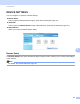
Scan to OCR 9
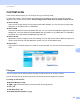
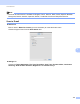
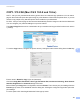
General tab
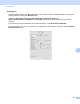
Enter a name in Name for Custom (up to 30 characters) to create the button name.
Choose the type of scan from the Scan Action field.
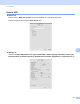
Settings tab
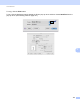
Choose the Target Application, File Type, OCR Software, OCR Language, Resolution, Scan Type,
Document Size, Continuous Scanning, Show Scanner Interface, Brightness and Contrast settings.