
Installation Instructions
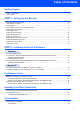


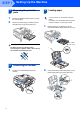



Table Of Contents
- Quick Setup Guide MFC-680CN
- Table of Contents
- Getting Started
- STEP 1 Setting Up the Machine
- 1 Removing the protective parts
- 2 Connecting the handset
- 3 Loading paper
- 4 Connecting the power cord and telephone line
- 5 Installing the ink cartridges
- 6 Print quality check
- 7 Setting the LCD contrast
- 8 Setting the date and time
- 9 Setting your station ID
- 10 Setting tone or pulse dialling mode
- 11 Setting the telephone line type
- 12 Choosing a Receive Mode
- 13 Setting up the TAD
- STEP 2 Installing the Driver & Software
- For Network Users
- Installing FaceFilter Studio Help
- Consumables
- brother UK/IRE/GEN/SAF
Setting Up the Machine
6
STEP 1
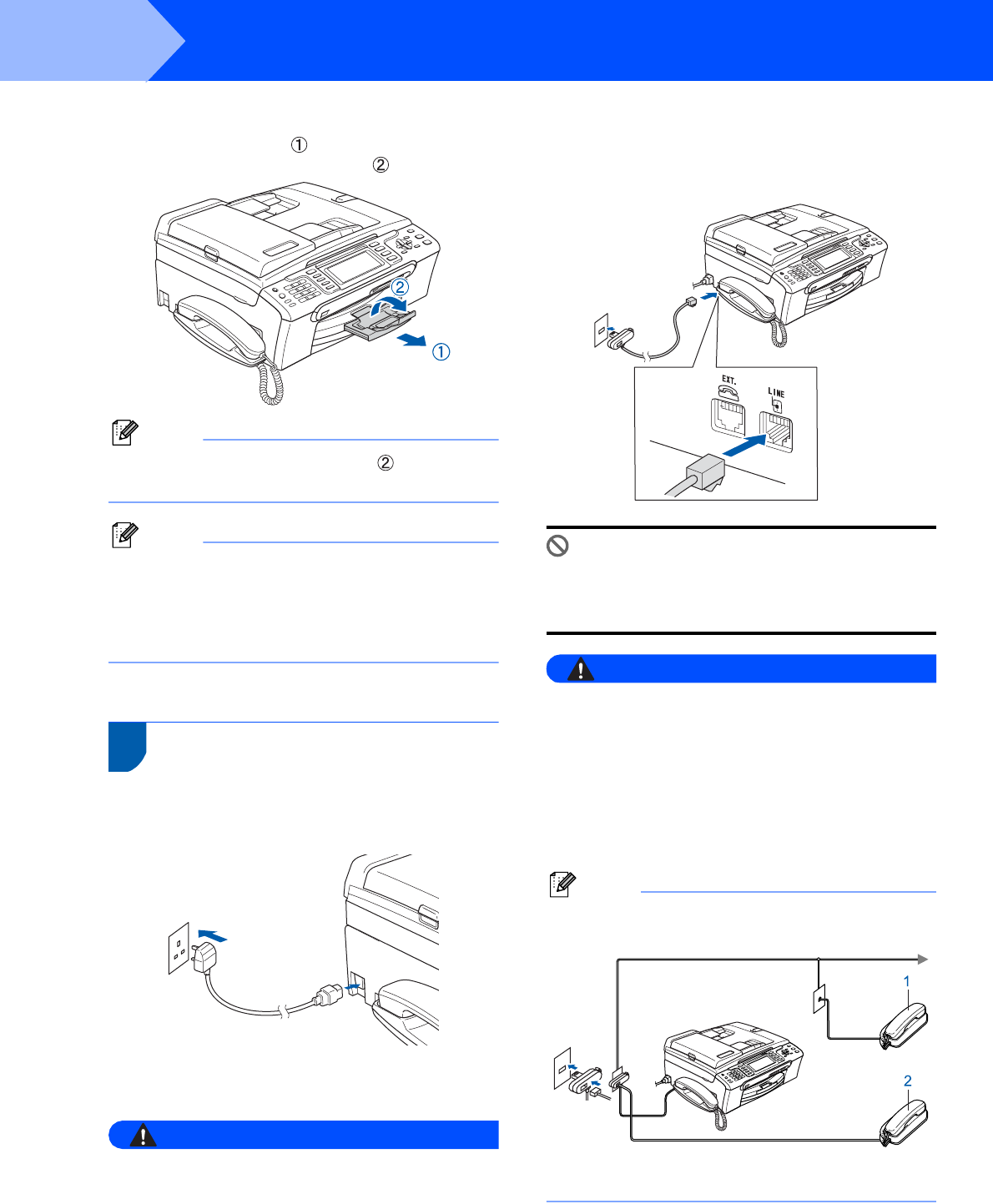
8 While holding the paper tray in place, pull out
the paper support until it clicks, and then
unfold the paper support flap .
Note
Do not use the paper support flap for Legal size
paper.
Note
You can use the photo paper tray which is located
on the top of the paper tray to print on photo
10 x 15 cm and photo L size paper.
For details, see Loading photo paper in Chapter 2
of the User’s Guide.
4 Connecting the power cord
and telephone line
1 Connect the power cord.
Warning
The machine must be fitted with an earthed plug.
2 Connect the telephone line cord. Connect one
end of the telephone line cord to the socket on
the machine marked LINE and the other end to
a modular wall socket.
Improper Setup
DO NOT connect the interface cable.
Connecting the interface cable is done during
the software installation process.
Warning
Since the machine is grounded through the power
outlet, you can protect yourself from potentially
hazardous electrical conditions on the telephone
network by keeping the power cord connected to
your machine when you connect it to a telephone
line. Similarly, you can protect yourself when you
want to move your machine by disconnecting the
telephone line first and then the power cord.
Note
If you are sharing one telephone line with an
external telephone, connect it as shown below.
1 Extension telephone
2 External telephone