
Installation Instructions
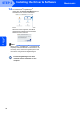
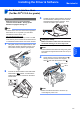

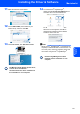
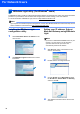
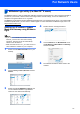



Table Of Contents
- Quick Setup Guide MFC-680CN
- Table of Contents
- Getting Started
- STEP 1 Setting Up the Machine
- 1 Removing the protective parts
- 2 Connecting the handset
- 3 Loading paper
- 4 Connecting the power cord and telephone line
- 5 Installing the ink cartridges
- 6 Print quality check
- 7 Setting the LCD contrast
- 8 Setting the date and time
- 9 Setting your station ID
- 10 Setting tone or pulse dialling mode
- 11 Setting the telephone line type
- 12 Choosing a Receive Mode
- 13 Setting up the TAD
- STEP 2 Installing the Driver & Software
- For Network Users
- Installing FaceFilter Studio Help
- Consumables
- brother UK/IRE/GEN/SAF
For Network Users
31
2
BRAdmin Light utility (For Mac OS
®
X users)
The BRAdmin Light is a utility for initial setup of Brother network connected devices. It also can search for Brother
products on your network, view the status and configure basic network settings, such as IP address from a
computer running Mac OS
®
X 10.2.4 or greater.
The BRAdmin Light software will be installed automatically when you install the printer driver. If you have already
installed the printer driver, you don’t have to install it again. For more information on BRAdmin Light, visit us at
http://solutions.brother.com
.
Setting your IP address, Subnet
Mask and Gateway using BRAdmin
Light
Note
• If you have a DHCP/BOOTP/RARP server in your
network, you don’t have to do the following
operation. The print server will automatically
obtain its own IP address.
• Make sure that version 1.4.1_07 or later of Java™
client software is installed on your computer.
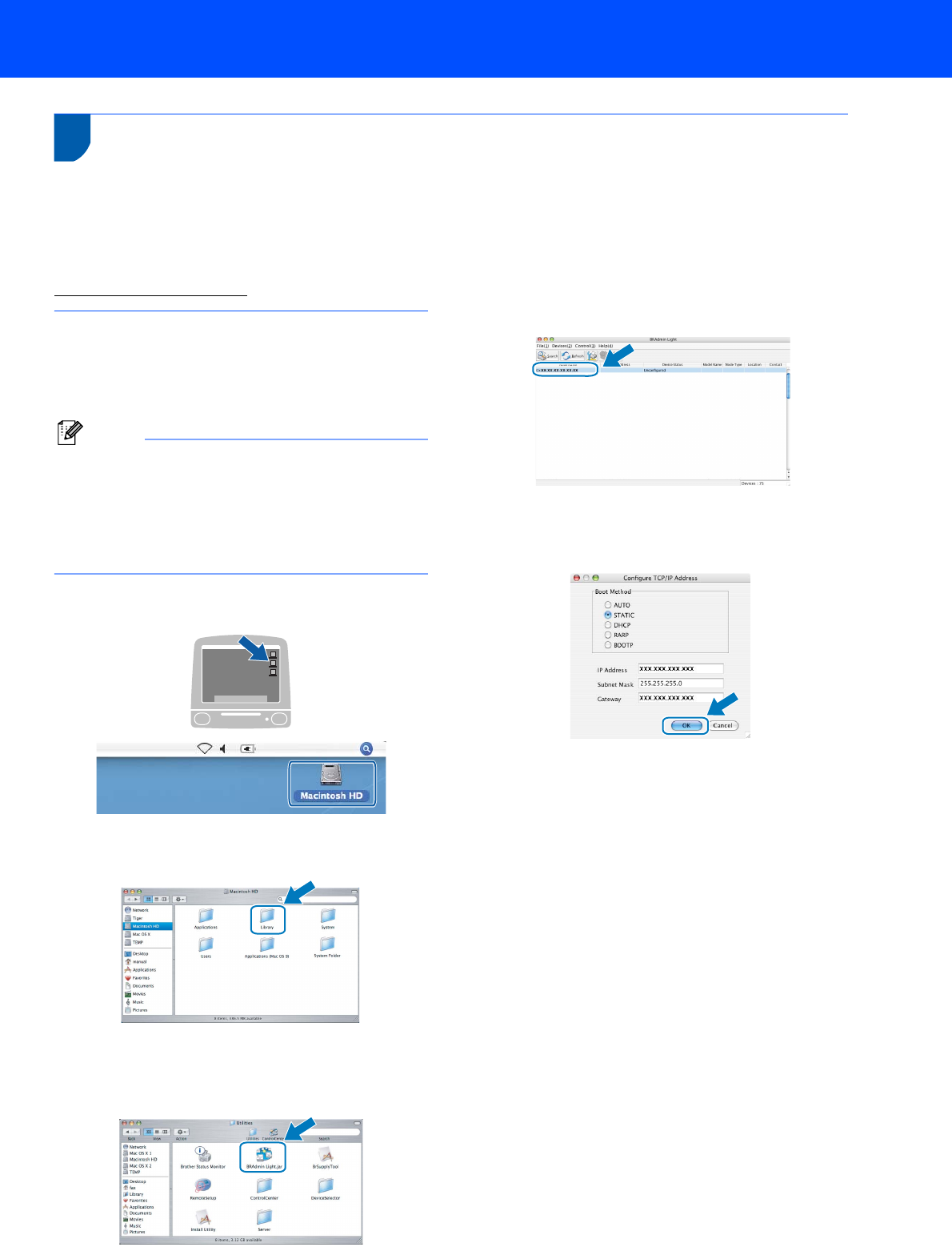
1 Double-click the Macintosh HD icon on your
desktop.
2 Choose Library, Printers, Brother and then
Utilities.
3 Double-click the file BRAdmin Light.jar and
run the software. BRAdmin Light will then
search for new devices automatically.
4 Double-click the unconfigured device.
5 Choose STATIC for the Boot Method. Enter
the IP Address, Subnet Mask and Gateway,
and then click OK.
6 The address information will be saved to the
machine.