
Printer/Fax/Scanner/Copier USER'S GUIDE MFC-5460CN, MFC-5860CN

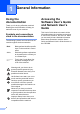
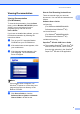
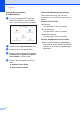
Table Of Contents
- USER’S GUIDE MFC-5460CN MFC-5860CN
- Brother numbers
- Ordering accessories and supplies
- Compilation and Publication Notice
- Table of Contents
- General
- 1 General Information
- 2 Loading documents and paper
- 3 General setup
- 4 Security features
- Fax
- 5 Sending a fax
- Entering Fax mode
- Broadcasting (Black & White only)
- Additional sending operations
- Sending faxes using multiple settings
- Contrast
- Changing Resolution
- Dual access (Black & White only)
- Real time transmission
- Overseas Mode
- Delayed Faxing (Black & White only)
- Delayed Batch Transmission (Black & White only)
- Checking and canceling waiting jobs
- Sending a fax manually
- Sending a fax at the end of a conversation
- Out of Memory message
- 6 Receiving a Fax
- 7 Telephone Services and External devices
- 8 Dialing and storing numbers
- 9 Remote fax options
- 10 Printing Reports
- 11 Polling
- 5 Sending a fax
- Copy
- Walk-up Photo Printing
- Software
- Appendixes
- A Safety and Legal
- Choosing a location
- To use the machine safely
- Important safety instructions
- Standard telephone and FCC Notices (These notices are in effect on models sold and used in the United States only.)
- Federal Communications Commission (FCC) Declaration of Conformity (USA only)
- Industry Canada Compliance Statement (Canada only)
- LAN connection
- Legal limitations for copying
- Trademarks
- B Troubleshooting and Routine Maintenance
- C Menu and Features
- D Specifications
- E Glossary
- F Index
- A Safety and Legal
- brother USA/CAN
2
1
Using the
documentation
1
Thank you for buying a Brother machine!
Reading the documentation will help you
make the most of your machine.
Symbols and conventions
used in the documentation 1
The following symbols and conventions are
used throughout the documentation.
Accessing the
Software User’s Guide
and Network User’s
Guide
1
This User’s Guide does not contain all the
information about the machine such as how
to use Printer, Scanner, and PC Fax. When
you are ready to learn detailed information
about these operations, read the User’s
Guide and Network User’s Guide that are on
the CD-ROM.
General Information 1
Bold Bold typeface identifies specific
keys on the machine’s control
panel.
Italics Italicized typeface emphasizes
an important point or refers you
to a related topic.
Courier
New
Text in the Courier New font
identifies messages on the
LCD of the machine.
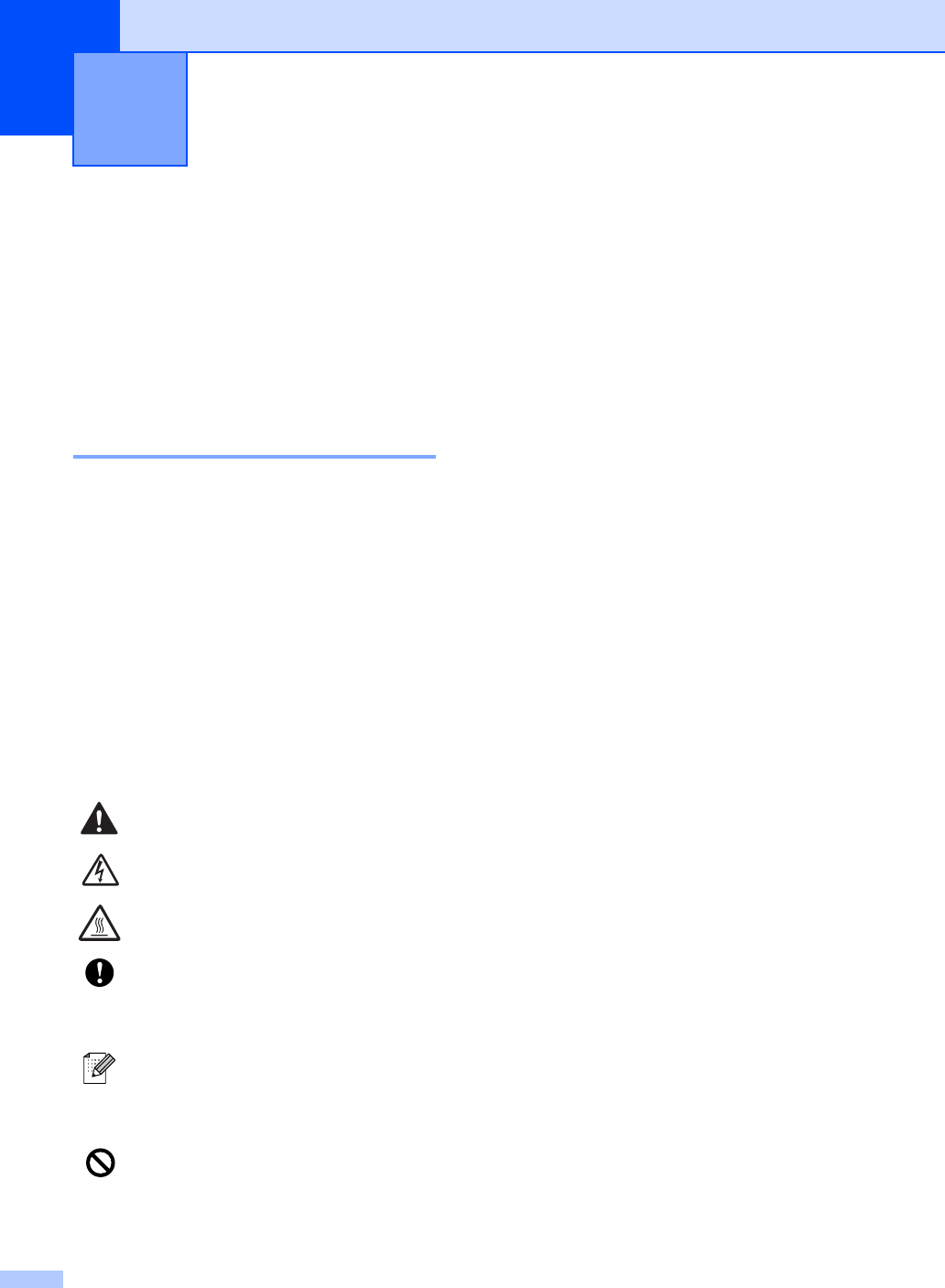
Warnings tell you what to do to
prevent possible personal injury.
Electrical Hazard icons alert you to
possible electrical shock.
Hot Surface icons warn you not to
touch machine parts that are hot.
Cautions specify procedures you
must follow or avoid to prevent
possible damage to the machine or
other objects.
Notes tell you how you should
respond to a situation that may arise
or give tips about how the operation
works with other features.
Improper Setup icons alert you to
devices and operations that are not
compatible with the machine.