
Quick Start Manual





Table Of Contents
- YL4MFC_US.PDF
- Front Cover
- Inside Front Cover
- Brother Numbers
- Ordering Accessories and Supplies
- Quick Reference Guide
- How to Access the Complete Owner's Manual (For MFC-4800 Only)
- How to Access Brother Support (For MFC-4800 Only) (For Windows® Only)
- Download the Printer Driver from the Brother Web Site (For FAX-2900 and FAX-3800 Only)
- Table of Contents
- 1.Introduction
- 2.Assembly and Connections
- Packing List
- Choosing a Location
- Assembly
- Installing the Drum Unit Assembly (with Toner Cartridge)
- Setting Up the FAX/MFC
- Loading Paper
- Acceptable Paper
- Paper Capacity of Multi-purpose Sheet Feeder
- Connecting an External Telephone
- Connecting an External Telephone Answering Device (TAD)
- Special Line Considerations
- Multi-Line Connections (PBX)
- Custom Features on Your Phone Line
- 3.On-Screen Programming
- 4.Initial Setup
- Getting Started
- Setting the Paper Size
- Setting the Date and Time
- Setting the Station ID
- Setting the Ring Volume
- Setting the Beeper Volume
- Setting the Speaker Volume
- Setting the Handset Volume
- Choosing the Handset Volume (For Volume Amplify)
- Setting Volume Amplify
- Memory Storage
- Turning On Automatic Daylight Savings Time
- Toner Save
- Sleep Mode
- Setting Tone/Pulse Dialing Mode (For Canada Only)
- Getting Started
- 5.Setup Receive
- 6.Setup Send
- 7.Auto Dial Numbers and Dialing Options
- 8.Telephone Services
- 9.Remote Fax Options
- 10.Printing Reports
- 11.Making Copies
- 12.Important Information
- 13.Troubleshooting and Routine Maintenance
- Glossary
- Specifications
- Index
- Remote Retrieval Access Card
- Rear Cover
AUTO DIAL NUMBERS AND DIALING OPTIONS
7 - 2
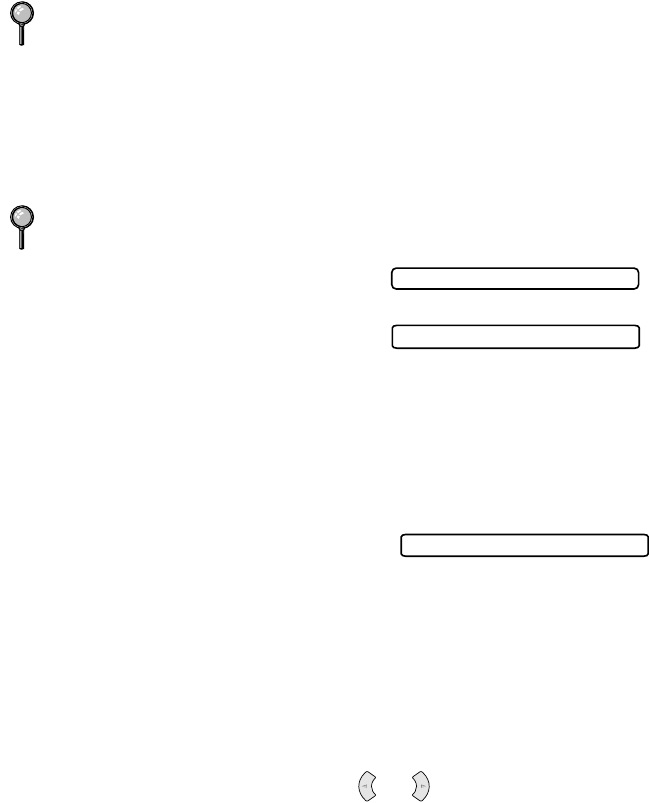
Storing Speed Dial Numbers
For FAX-2800 and MFC-4800, you can store Speed Dial numbers, so when you
dial you will have to press only five keys. (Search/Speed Dial, #, the two-
digit location, and Fax Start). For FAX-2900 and FAX-3800, you have to press
six keys. (Search/Speed Dial, #, the three-digit location, and Fax Start).
The FAX-2800 and MFC-4800 have 100 Speed Dial locations. The FAX-2900
and FAX-3800 have 120 Speed Dial locations.
1
For the FAX, press Menu/Set, 2, 3, 2.
For the MFC, press Menu/Set, 2, 3, 1.
2
Use the dial pad to enter a two-digit
location (00-99), and then press
Menu/Set.
3
Enter the number (up to 20 digits), and
then press Menu/Set.
4
Use the dial pad to enter the name (up to
15 characters), and then press
Menu/Set
.
You can use the chart on page 4-2 to help
you enter letters—
OR
—Press
Menu/Set
to store the number without a name.
5
Return to Step 2 to store another Speed Dial number—OR—Press Stop/Exit.
Changing One Touch (For FAX Models Only) and
Speed Dial Numbers
If you try to store a One Touch (FAX
models only) or Speed Dial number in a
location where a number is already stored,
the LCD shows the current name stored there, and then prompts you to either:
1
Press 1 to change the stored number—OR— press 2 to exit without making a change.
2
Enter a new number, and then press Menu/Set.
• If you want to erase the whole number, press Stop/Exit when the cursor
is to the left of the digits. The letters above and to the right of the cursor
will be deleted.
• If you want to change a digit, use
or to position the cursor under
the digit you want to change, and then type over it.
3
Follow the directions beginning at Step 4 in Storing One Touch Numbers
(For FAX Models Only) and Storing Speed Dial Numbers.
(For USA Only) For the MFC-4800, Speed Dial #01 has been pre-programmed for
the Brother fax-back system. Speed Dial #02 has been pre-programmed for the
CallManage long distance plan. You can override them if you wish.
For FAX-2900 and FAX-3800, use the dial pad to enter a three-digit location (00l-
120), and then press Menu/Set.
#05:
NAME:
1.CHANGE 2.EXIT