User`s guide
Manuals
Brands
Brother Manuals
All in One Printer
DCP-9055CDN
81
82
83
84
85
86
87
88
89
90
54
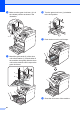
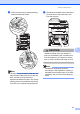
a
Make
sure th
at the
machine i
s turn
ed
on.
b
Press
the front
cover
relea
se bu
tton and
then op
en the
fron
t cover.
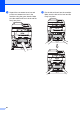
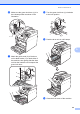
c
Hold the green handle of the
d
rum unit.
Pull the drum
u
nit out until it
stops.
1
...
...
81
82
83
84
85
...
...
204