
All in One Printer User Manual
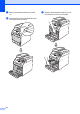
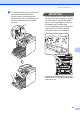
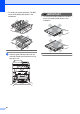
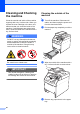
Table Of Contents
- BASIC USER’S GUIDE DCP-9055CDN
- User's Guides and where do I find it?
- Table of Contents
- 1 General information
- 2 Loading paper
- 3 Loading documents
- 4 Making copies
- 5 How to print from a computer
- 6 How to scan to a computer
- A Routine maintenance
- B Troubleshooting
- Error and maintenance messages
- Document is jammed in the top of the ADF unit
- Document is jammed under the document cover
- Removing small documents jammed in the ADF
- Document is jammed at the output tray
- Paper is jammed in the MP tray
- Paper is jammed in the Paper Tray 1 or Tray 2
- Paper is jammed at the back of the machine
- Paper is jammed inside the machine
- Paper is jammed underneath paper tray 1
- Troubleshooting
- Machine Information
- Error and maintenance messages
- C Menu and features
- D Specifications
- Index
- brother ARL/ASA/NZ/SAF/GLF
60
Cleaning and Checking
the machine A
Clean the outside and inside of the machine
regularly with a dry, lint-free cloth. When you
replace the toner cartridge or the drum unit,
make sure that you clean the inside of the
machine. If printed pages are stained with
toner, clean the inside of the machine with a
dry, lint-free cloth.
WARNING
DO NOT use any flammable substances,
spray or organic solvent/liquids containing
alcohol/ammonia to clean the inside or
outside of the machine. Doing this may
cause a fire or electrical shock.
Be careful not to inhale toner.
IMPORTANT
Use neutral detergents. Cleaning with
volatile liquids such as thinner or benzine
will damage the surface of the machine.
Cleaning the outside of the
machine A
a Turn off the machine. Disconnect all
cables, and then unplug the power cord
from the electrical socket.
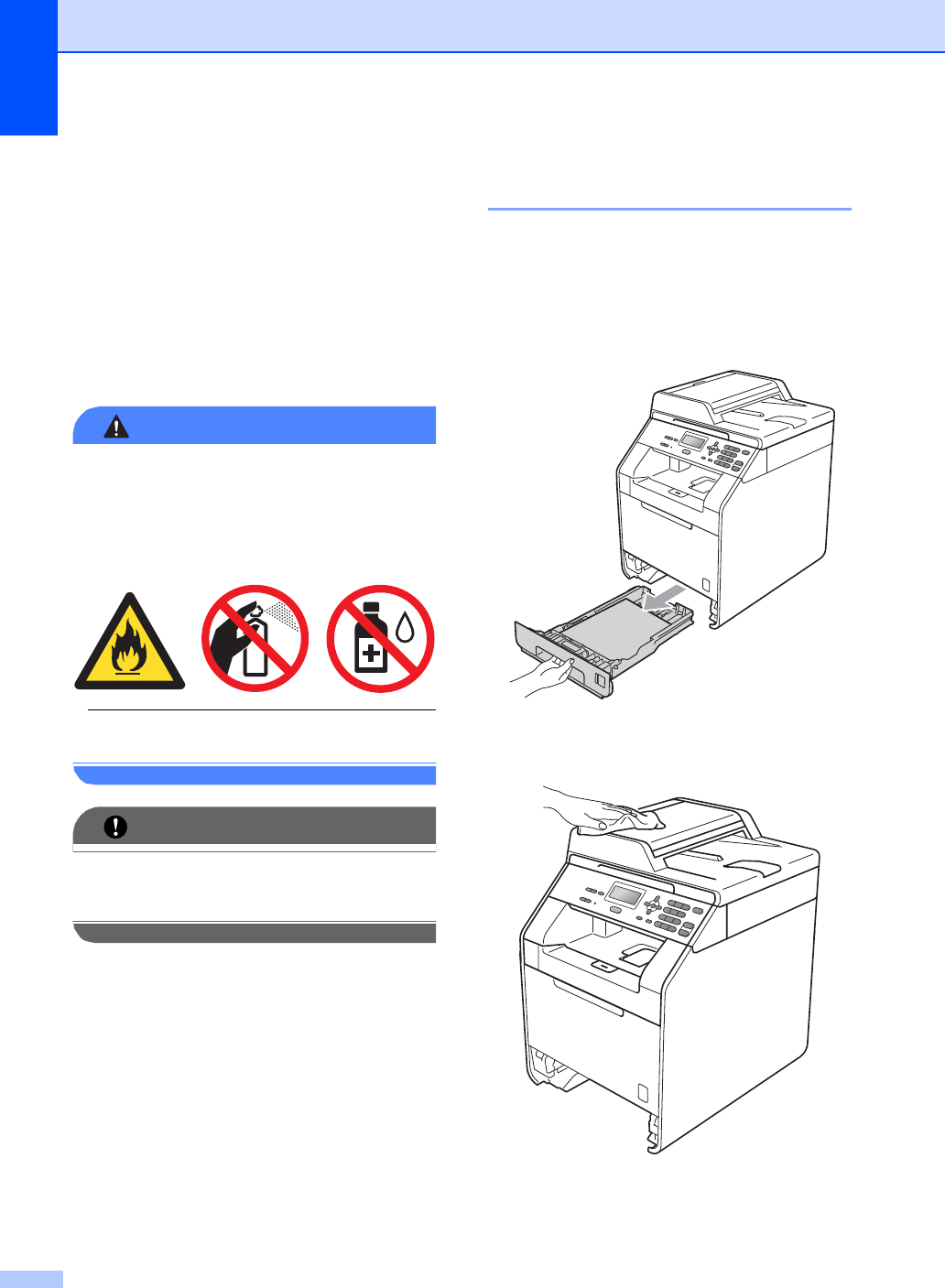
b Pull the paper tray completely out of the
machine.
c Wipe the outside of the machine with a
dry, lint-free soft cloth to remove dust.
d Remove any paper that is in the paper
tray.