
All in One Printer User Manual
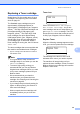
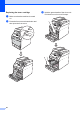
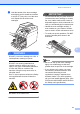
Table Of Contents
- BASIC USER’S GUIDE DCP-9055CDN
- User's Guides and where do I find it?
- Table of Contents
- 1 General information
- 2 Loading paper
- 3 Loading documents
- 4 Making copies
- 5 How to print from a computer
- 6 How to scan to a computer
- A Routine maintenance
- B Troubleshooting
- Error and maintenance messages
- Document is jammed in the top of the ADF unit
- Document is jammed under the document cover
- Removing small documents jammed in the ADF
- Document is jammed at the output tray
- Paper is jammed in the MP tray
- Paper is jammed in the Paper Tray 1 or Tray 2
- Paper is jammed at the back of the machine
- Paper is jammed inside the machine
- Paper is jammed underneath paper tray 1
- Troubleshooting
- Machine Information
- Error and maintenance messages
- C Menu and features
- D Specifications
- Index
- brother ARL/ASA/NZ/SAF/GLF
42
Drum Stop A
Drum Stop
We cannot guarantee the print quality. Please
replace the drum unit with a new one. We
recommend a Brother Original drum unit be
installed at this time.
After replacement, reset the drum counter by
following the instructions included with the
new drum unit.
Replacing the drum unit A
IMPORTANT
• While removing the drum unit, handle it
carefully because it may contain toner. If
toner scatters on your hands or clothes,
wipe or wash it off with cold water at once.
• Every time you replace the drum unit,
clean the inside of the machine. (See
Cleaning and Checking the machine
on page 60.)
a Make sure that the machine is turned
on.
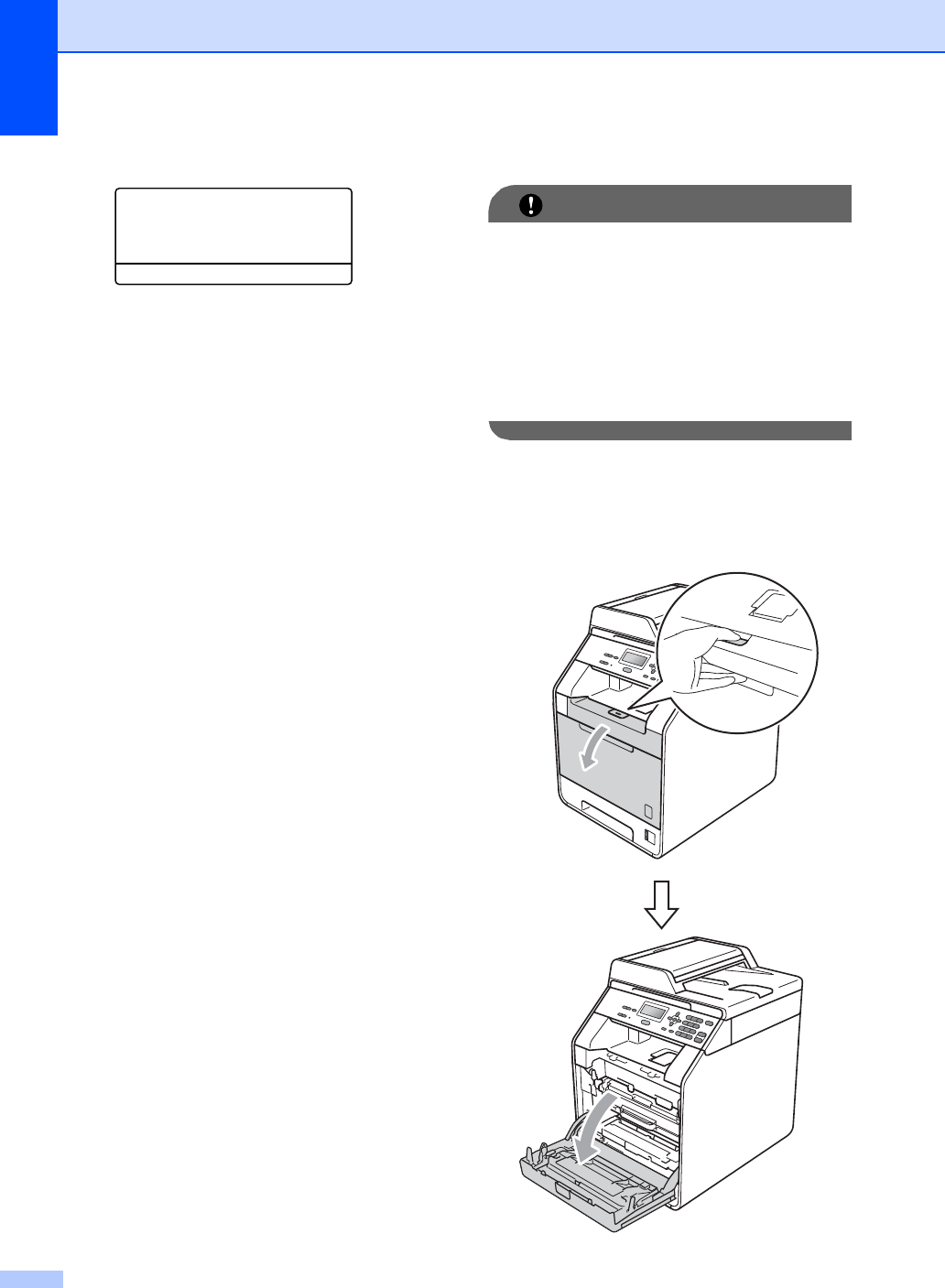
b Press the front cover release button and
then open the front cover.