
All in One Printer User Manual

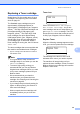
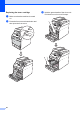
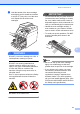
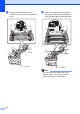
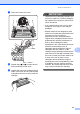
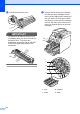
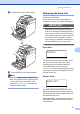
Table Of Contents
- BASIC USER’S GUIDE DCP-9055CDN
- User's Guides and where do I find it?
- Table of Contents
- 1 General information
- 2 Loading paper
- 3 Loading documents
- 4 Making copies
- 5 How to print from a computer
- 6 How to scan to a computer
- A Routine maintenance
- B Troubleshooting
- Error and maintenance messages
- Document is jammed in the top of the ADF unit
- Document is jammed under the document cover
- Removing small documents jammed in the ADF
- Document is jammed at the output tray
- Paper is jammed in the MP tray
- Paper is jammed in the Paper Tray 1 or Tray 2
- Paper is jammed at the back of the machine
- Paper is jammed inside the machine
- Paper is jammed underneath paper tray 1
- Troubleshooting
- Machine Information
- Error and maintenance messages
- C Menu and features
- D Specifications
- Index
- brother ARL/ASA/NZ/SAF/GLF
Routine maintenance
41
A
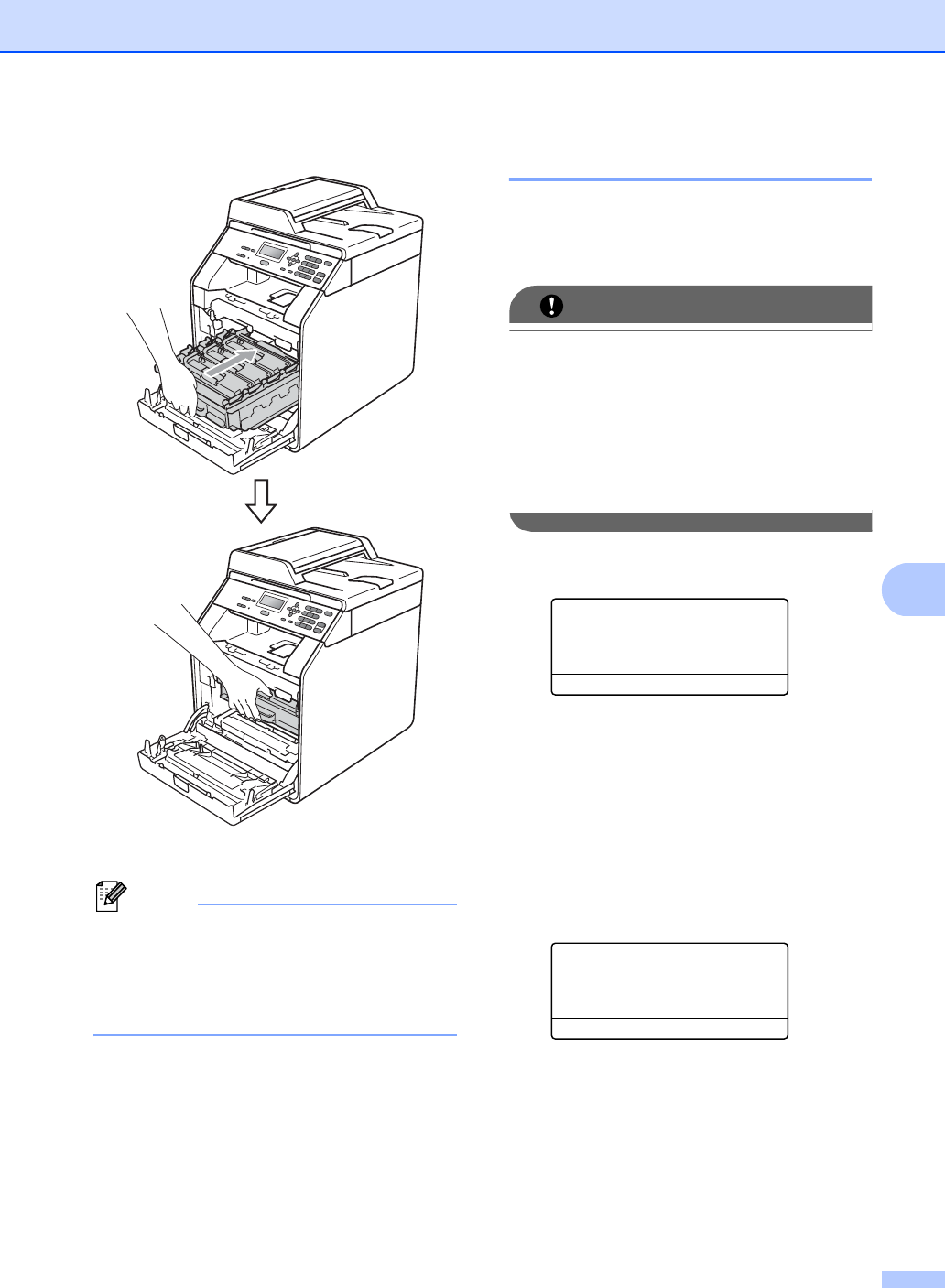
l Push the drum unit in until it stops.
m Close the front cover of the machine.
Note
After you replace a toner cartridge, DO
NOT turn off the machine's power switch
or open the front cover until the LCD
clears the Please Wait message and
returns to Ready mode.
Replacing the drum unit A
Model name: DR-340CL
A new drum unit can print approximately
25,000 A4 or Letter size single-sided pages.
IMPORTANT
For best performance, use a Brother
Original drum unit and Brother Original
toner units. Printing with a third-party drum
unit or toner unit may reduce not only the
print quality but also the quality and life of
the machine itself. Warranty coverage
may not apply to problems caused by the
use of third-party drum or toner units.
Drum Error A
Drum Error
Slide the Green
The corona wires have become dirty. Clean
the corona wires in the drum unit. (See
Cleaning the corona wires on page 66.)
If you cleaned the corona wires and
Drum Error was not cleared then the drum
unit is at the end of its life. Replace the drum
unit with a new one.
Replace Drum A
Replace Parts
Drum
The drum unit has exceeded its rated life.
Please replace the drum unit with a new one.
We recommend a Brother Original drum unit
be installed at this time.
After replacement, reset the drum counter by
following the instructions included with the
new drum unit.