
All in One Printer User Manual

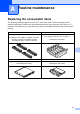
Table Of Contents
- BASIC USER’S GUIDE DCP-9055CDN
- User's Guides and where do I find it?
- Table of Contents
- 1 General information
- 2 Loading paper
- 3 Loading documents
- 4 Making copies
- 5 How to print from a computer
- 6 How to scan to a computer
- A Routine maintenance
- B Troubleshooting
- Error and maintenance messages
- Document is jammed in the top of the ADF unit
- Document is jammed under the document cover
- Removing small documents jammed in the ADF
- Document is jammed at the output tray
- Paper is jammed in the MP tray
- Paper is jammed in the Paper Tray 1 or Tray 2
- Paper is jammed at the back of the machine
- Paper is jammed inside the machine
- Paper is jammed underneath paper tray 1
- Troubleshooting
- Machine Information
- Error and maintenance messages
- C Menu and features
- D Specifications
- Index
- brother ARL/ASA/NZ/SAF/GLF
31
A
A
Replacing the consumable items A
The following messages appear on the LCD in the Ready mode. These messages provide
advanced warnings to replace the consumable items before they reach the end of their life. To
avoid any inconvenience, you may want to buy spare consumable items before the machine stops
printing.
Routine maintenance A
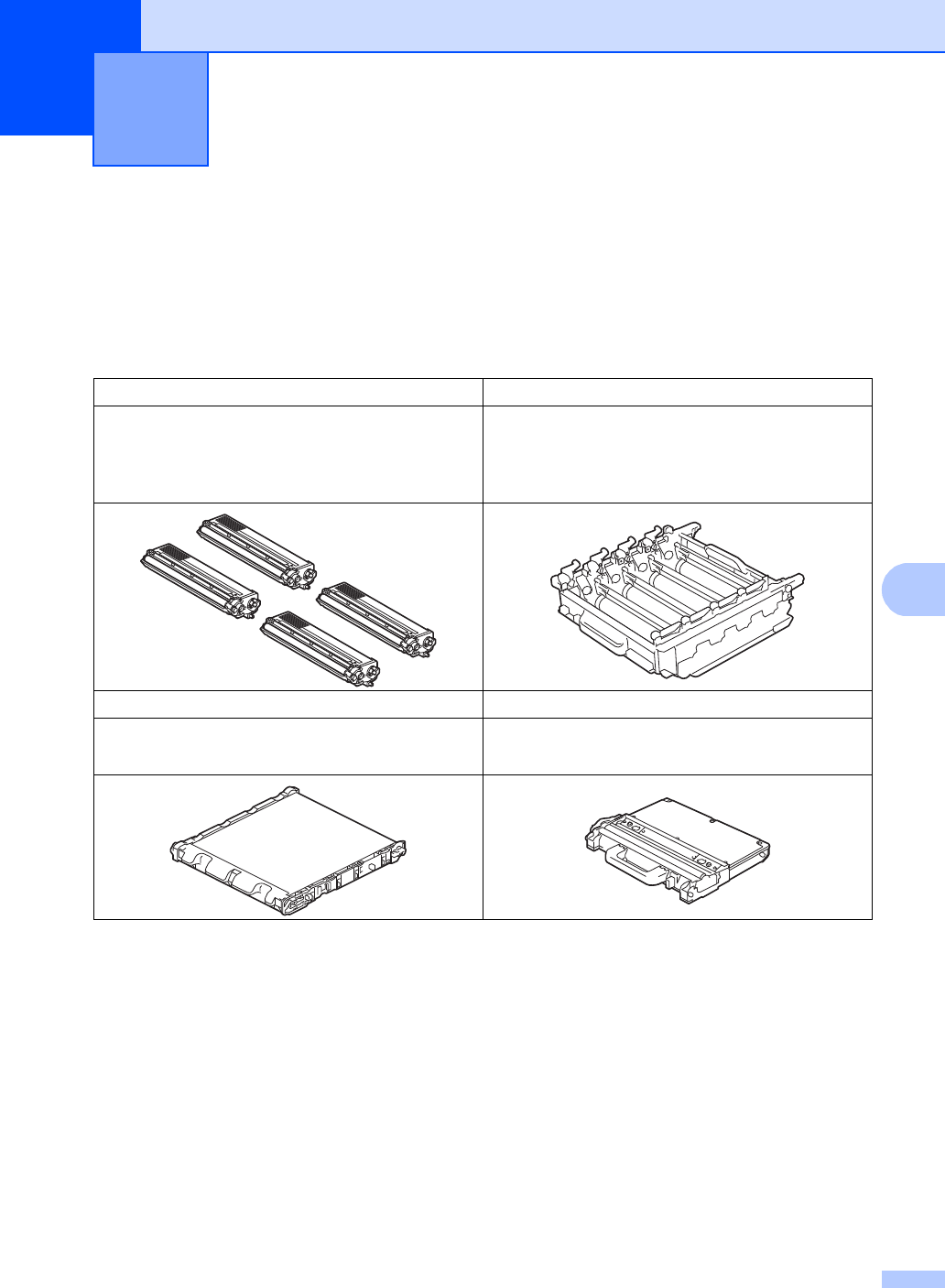
Toner cartridge Drum unit
See Replacing a Toner cartridge on page 35.
Model Name: TN-340BK, TN-348BK, TN-340C,
TN-345C, TN-348C, TN-340M, TN-345M,
TN-348M, TN-340Y, TN-345Y, TN-348Y
See Replacing the drum unit on page 41.
Model Name: DR-340CL
Belt unit Waste toner box
See Replacing the belt unit on page 48.
Model Name: BU-300CL
See Replacing the waste toner box on page 53.
Model Name: WT-300CL