
All in One Printer User Manual
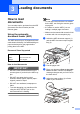

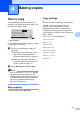
Table Of Contents
- BASIC USER’S GUIDE DCP-9055CDN
- User's Guides and where do I find it?
- Table of Contents
- 1 General information
- 2 Loading paper
- 3 Loading documents
- 4 Making copies
- 5 How to print from a computer
- 6 How to scan to a computer
- A Routine maintenance
- B Troubleshooting
- Error and maintenance messages
- Document is jammed in the top of the ADF unit
- Document is jammed under the document cover
- Removing small documents jammed in the ADF
- Document is jammed at the output tray
- Paper is jammed in the MP tray
- Paper is jammed in the Paper Tray 1 or Tray 2
- Paper is jammed at the back of the machine
- Paper is jammed inside the machine
- Paper is jammed underneath paper tray 1
- Troubleshooting
- Machine Information
- Error and maintenance messages
- C Menu and features
- D Specifications
- Index
- brother ARL/ASA/NZ/SAF/GLF
27
4
4
How to copy 4
The following steps show the basic copy
operation. For details about each option, see
the Advanced User's Guide.
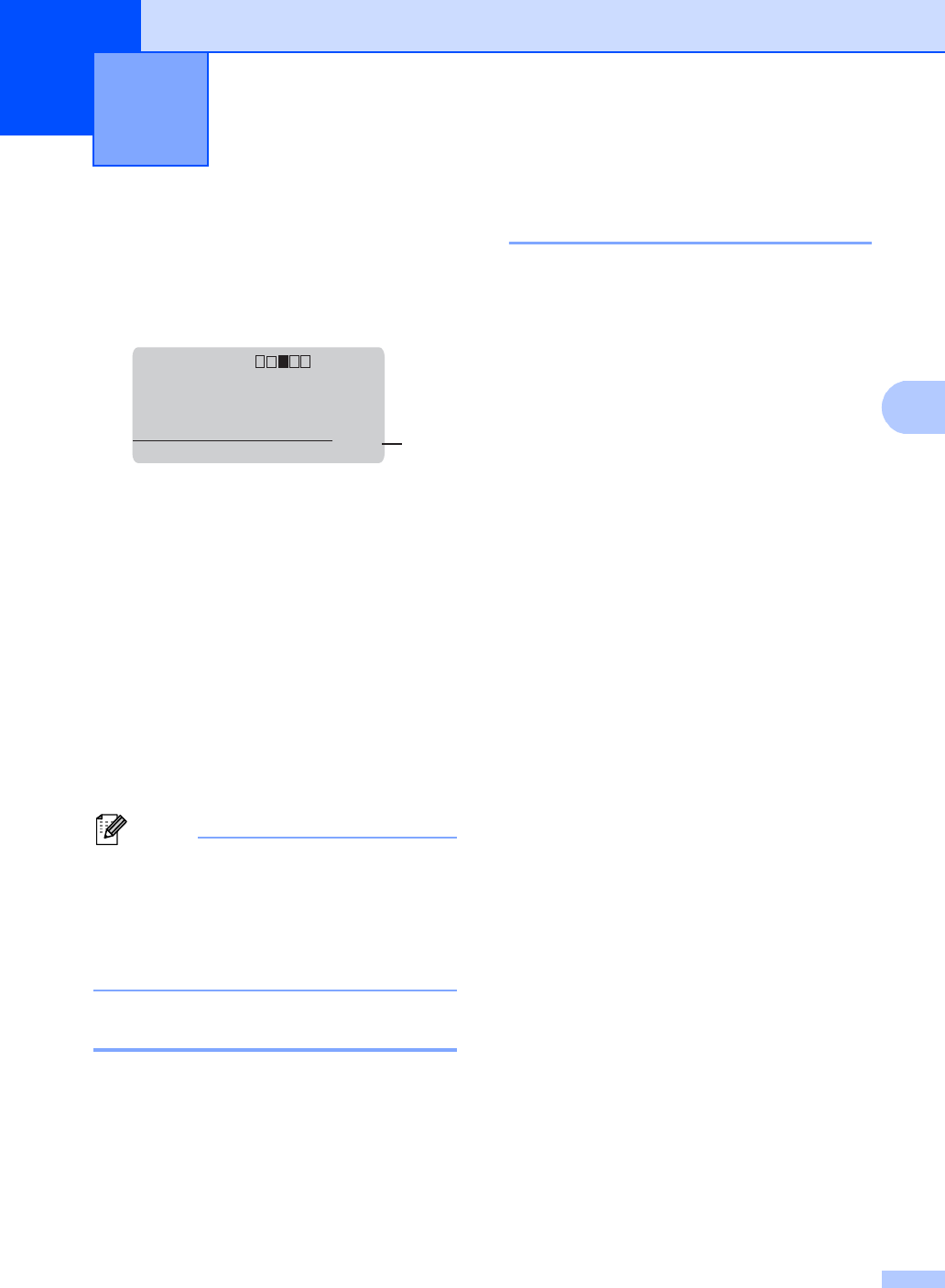
1 No. of Copies
You can enter the number of copies you want
by using the numeric keys.
a Do one of the following to load your
document:
Place the document face up in the
ADF. (See Using the automatic
document feeder (ADF) on page 25.)
Load your document face down on
the scanner glass. (See Using the
scanner glass on page 26.)
b Press Mono Start or Colour Start.
Note
If the LCD shows Please Wait and the
machine stops copying while you are
making multiple copies, please wait for 30
to 40 seconds until the machine finishes
the colour registration and cleaning
process of the belt unit.
Stop copying 4
To stop copying, press Stop/Exit.
Copy settings 4
You can change the following copy settings:
Press a or b to scroll through the copy
settings. When the setting you want is
highlighted, press OK. For details about
changing the following copy settings, see
Copy settings in Chapter 3 of the Advanced
User's Guide.
Enlg/Red (Enlarge/Reduce)
Stack/Sort
Quality
Contrast
Brightness
Color Adjust
Page Layout
Tray Select
Duplex
Making copies 4
Contrast:- +
Quality :Auto
Enlg/Red:100%
Tray :MP>T1
Pressab or Start
01
1