
All in One Printer User Manual
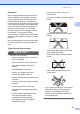
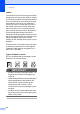

Table Of Contents
- BASIC USER’S GUIDE DCP-9055CDN
- User's Guides and where do I find it?
- Table of Contents
- 1 General information
- 2 Loading paper
- 3 Loading documents
- 4 Making copies
- 5 How to print from a computer
- 6 How to scan to a computer
- A Routine maintenance
- B Troubleshooting
- Error and maintenance messages
- Document is jammed in the top of the ADF unit
- Document is jammed under the document cover
- Removing small documents jammed in the ADF
- Document is jammed at the output tray
- Paper is jammed in the MP tray
- Paper is jammed in the Paper Tray 1 or Tray 2
- Paper is jammed at the back of the machine
- Paper is jammed inside the machine
- Paper is jammed underneath paper tray 1
- Troubleshooting
- Machine Information
- Error and maintenance messages
- C Menu and features
- D Specifications
- Index
- brother ARL/ASA/NZ/SAF/GLF
Chapter 2
24
Labels 2
The machine will print on most types of labels
designed for use with a laser machine. Labels
should have an adhesive that is acrylic-based
since this material is more stable at the high
temperatures in the fuser unit. Adhesives
should not come in contact with any part of
the machine, because the label stock may
stick to the drum unit or rollers and cause
jams and print quality problems. No adhesive
should be exposed between the labels.
Labels should be arranged so that they cover
the entire length and width of the sheet. Using
labels with spaces may result in labels
peeling off and causing serious jams or print
problems.
All labels used in this machine must be able
to withstand a temperature of 392 degrees
Fahrenheit (200 degrees centigrade) for a
period of 0.1 seconds.
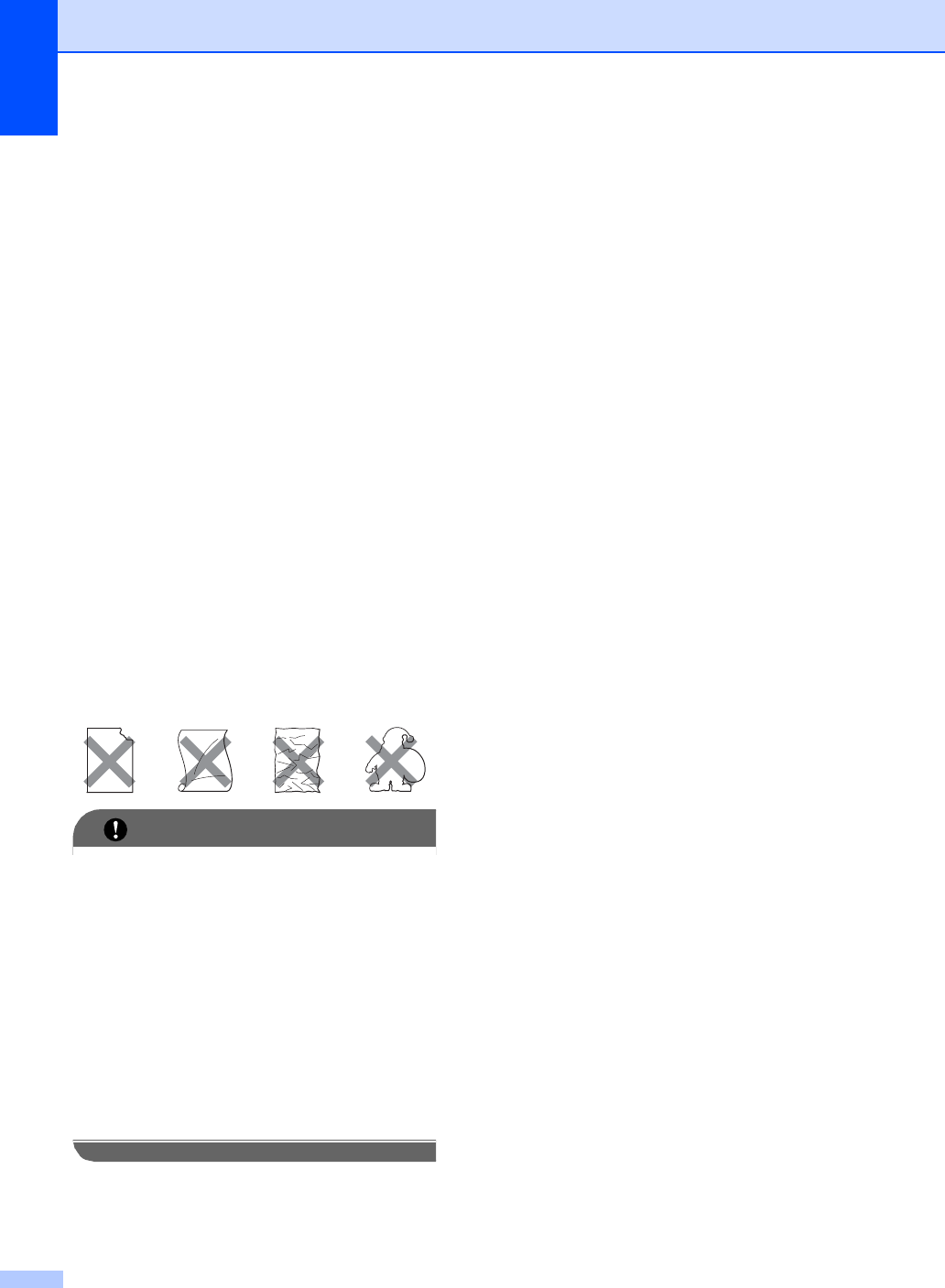
Types of labels to avoid 2
Do not use labels that are damaged, curled,
wrinkled or an unusual shape.
IMPORTANT
• DO NOT feed part used label sheets. The
exposed carrier sheet will damage your
machine.
• Label sheets should not exceed the paper
weight specifications described in this
User’s Guide. Labels exceeding this
specification may not feed or print
correctly and may cause damage to your
machine.
• DO NOT reuse or insert labels that have
previously been used or are missing a few
labels on the sheet.