
All in One Printer User Manual


Table Of Contents
- BASIC USER’S GUIDE DCP-9055CDN
- User's Guides and where do I find it?
- Table of Contents
- 1 General information
- 2 Loading paper
- 3 Loading documents
- 4 Making copies
- 5 How to print from a computer
- 6 How to scan to a computer
- A Routine maintenance
- B Troubleshooting
- Error and maintenance messages
- Document is jammed in the top of the ADF unit
- Document is jammed under the document cover
- Removing small documents jammed in the ADF
- Document is jammed at the output tray
- Paper is jammed in the MP tray
- Paper is jammed in the Paper Tray 1 or Tray 2
- Paper is jammed at the back of the machine
- Paper is jammed inside the machine
- Paper is jammed underneath paper tray 1
- Troubleshooting
- Machine Information
- Error and maintenance messages
- C Menu and features
- D Specifications
- Index
- brother ARL/ASA/NZ/SAF/GLF
Loading paper
17
2
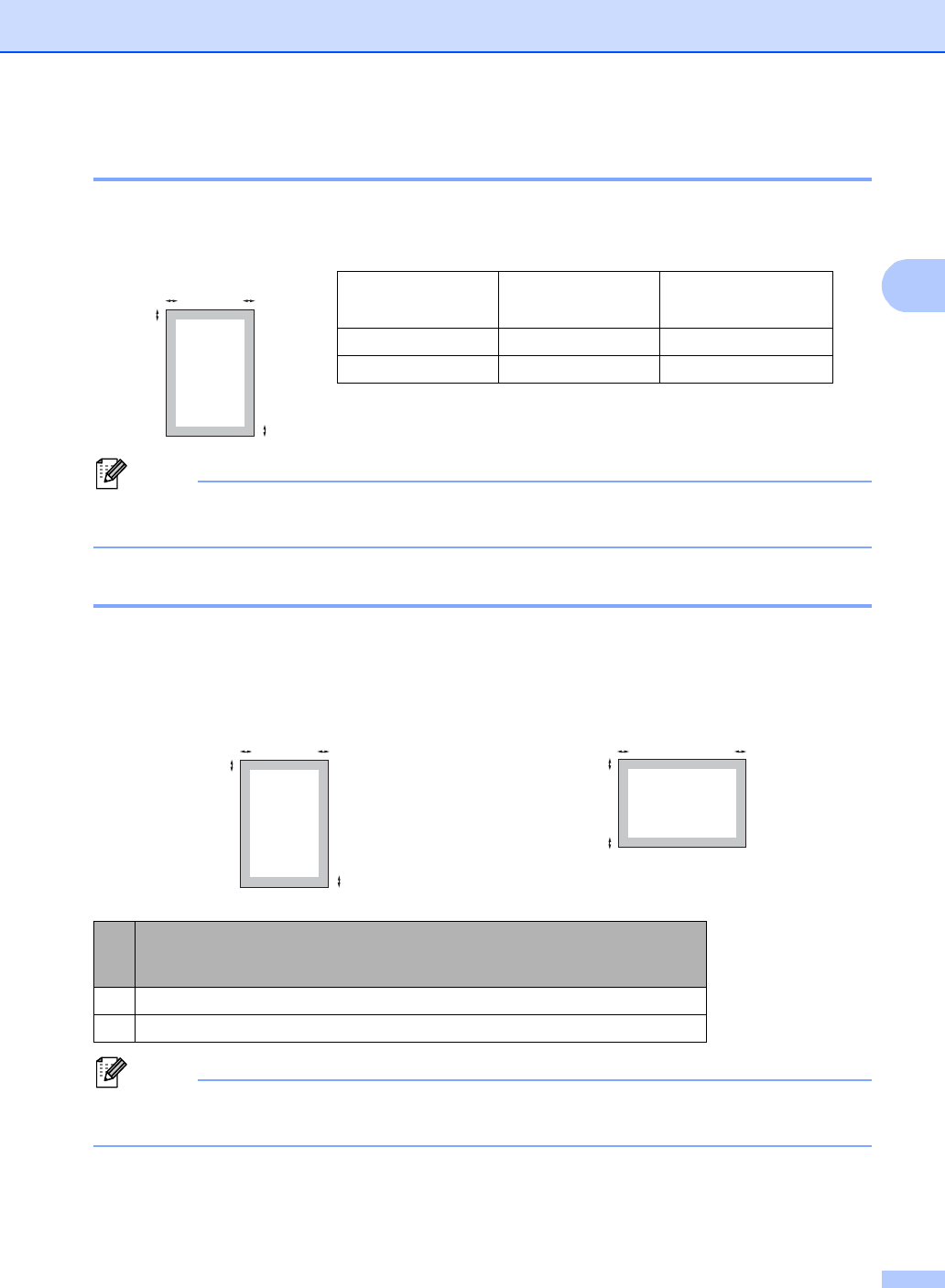
Scannable area 2
The figures below show unscannable areas for Copying.
Note
This unscannable area shown above is for a single copy or a 1 in 1 copy using A4 size paper.
The area that cannot be scanned will vary by paper size.
Unprintable area when printing from a computer 2
When using the printer driver the printable area is smaller than the paper size. The figures below
show unprintable areas.
Note
The area that cannot be printed on may vary depending on the paper size and the printer driver
you are using. The unprintable area shown above is for A4 size paper.
Document Size Top (1)
Bottom (1)
Left (2)
Right (2)
Letter 4mm 3.96mm
A4 4 mm 2 mm
Portrait Landscape
Windows
®
printer driver and Macintosh printer driver
BRScript printer driver for Windows
®
and Macintosh
14.23mm
24.23mm
2
2
1
1
2
2
1
1
2
2
1
1