
All in One Printer User Manual
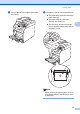
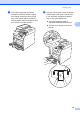


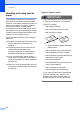
Table Of Contents
- BASIC USER’S GUIDE DCP-9055CDN
- User's Guides and where do I find it?
- Table of Contents
- 1 General information
- 2 Loading paper
- 3 Loading documents
- 4 Making copies
- 5 How to print from a computer
- 6 How to scan to a computer
- A Routine maintenance
- B Troubleshooting
- Error and maintenance messages
- Document is jammed in the top of the ADF unit
- Document is jammed under the document cover
- Removing small documents jammed in the ADF
- Document is jammed at the output tray
- Paper is jammed in the MP tray
- Paper is jammed in the Paper Tray 1 or Tray 2
- Paper is jammed at the back of the machine
- Paper is jammed inside the machine
- Paper is jammed underneath paper tray 1
- Troubleshooting
- Machine Information
- Error and maintenance messages
- C Menu and features
- D Specifications
- Index
- brother ARL/ASA/NZ/SAF/GLF
Loading paper
15
2
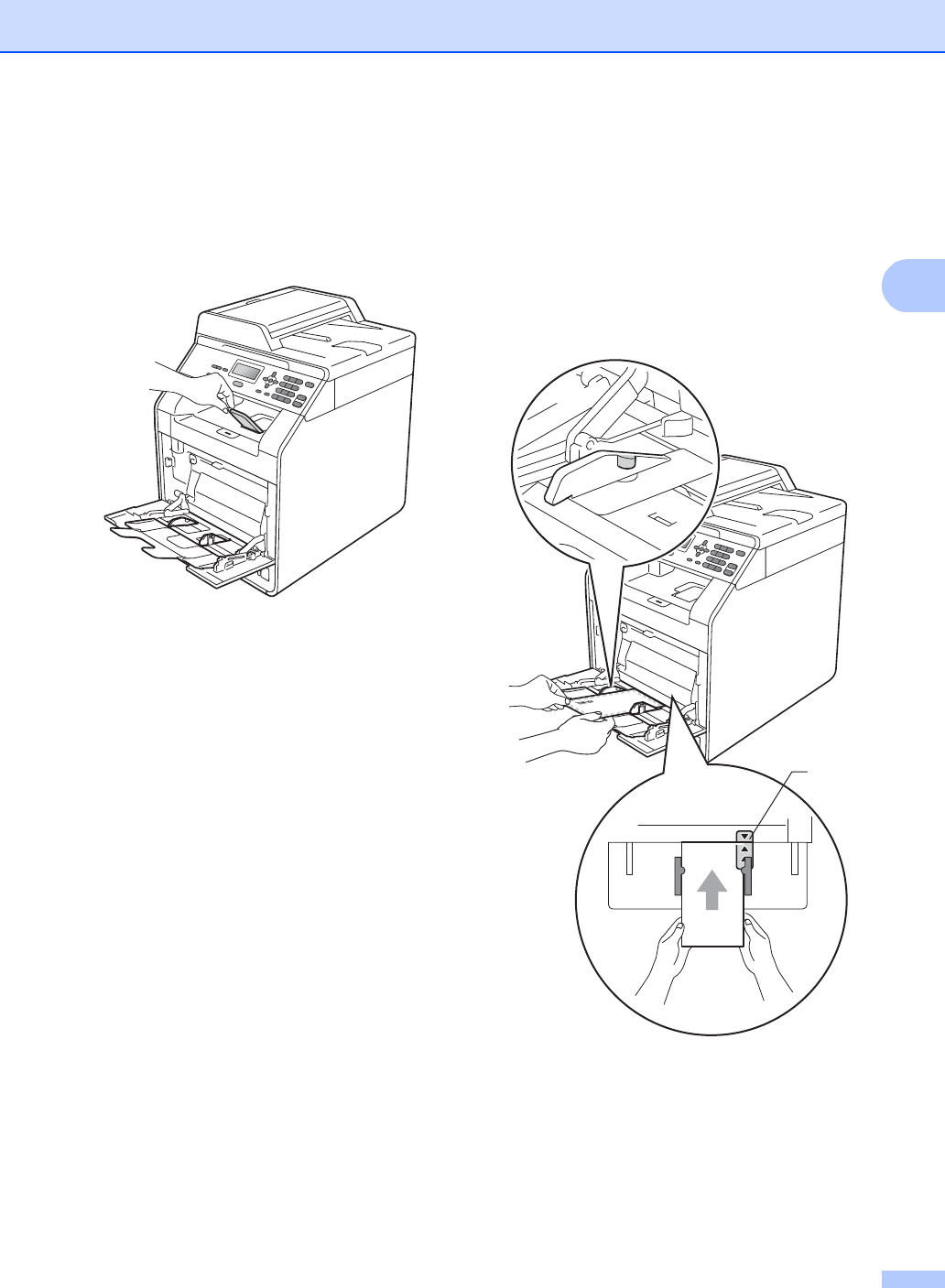
c Lift up the support flap to prevent
envelopes and thick sheets of paper
from sliding off the face down output
tray. If the support flap is closed you
should remove each envelope as soon
as it comes out of the machine.
d Put up to 3 envelopes or up to 25 sheets
of thick paper (163 gsm) in the MP tray.
If you add more envelopes or paper it
may cause a jam. Make sure:
The top of envelope edge is
positioned between the arrows (1).
The side to be printed on must be
face up.
1