
All in One Printer User Manual


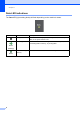
Table Of Contents
- BASIC USER’S GUIDE DCP-9055CDN
- User's Guides and where do I find it?
- Table of Contents
- 1 General information
- 2 Loading paper
- 3 Loading documents
- 4 Making copies
- 5 How to print from a computer
- 6 How to scan to a computer
- A Routine maintenance
- B Troubleshooting
- Error and maintenance messages
- Document is jammed in the top of the ADF unit
- Document is jammed under the document cover
- Removing small documents jammed in the ADF
- Document is jammed at the output tray
- Paper is jammed in the MP tray
- Paper is jammed in the Paper Tray 1 or Tray 2
- Paper is jammed at the back of the machine
- Paper is jammed inside the machine
- Paper is jammed underneath paper tray 1
- Troubleshooting
- Machine Information
- Error and maintenance messages
- C Menu and features
- D Specifications
- Index
- brother ARL/ASA/NZ/SAF/GLF
Chapter 1
8
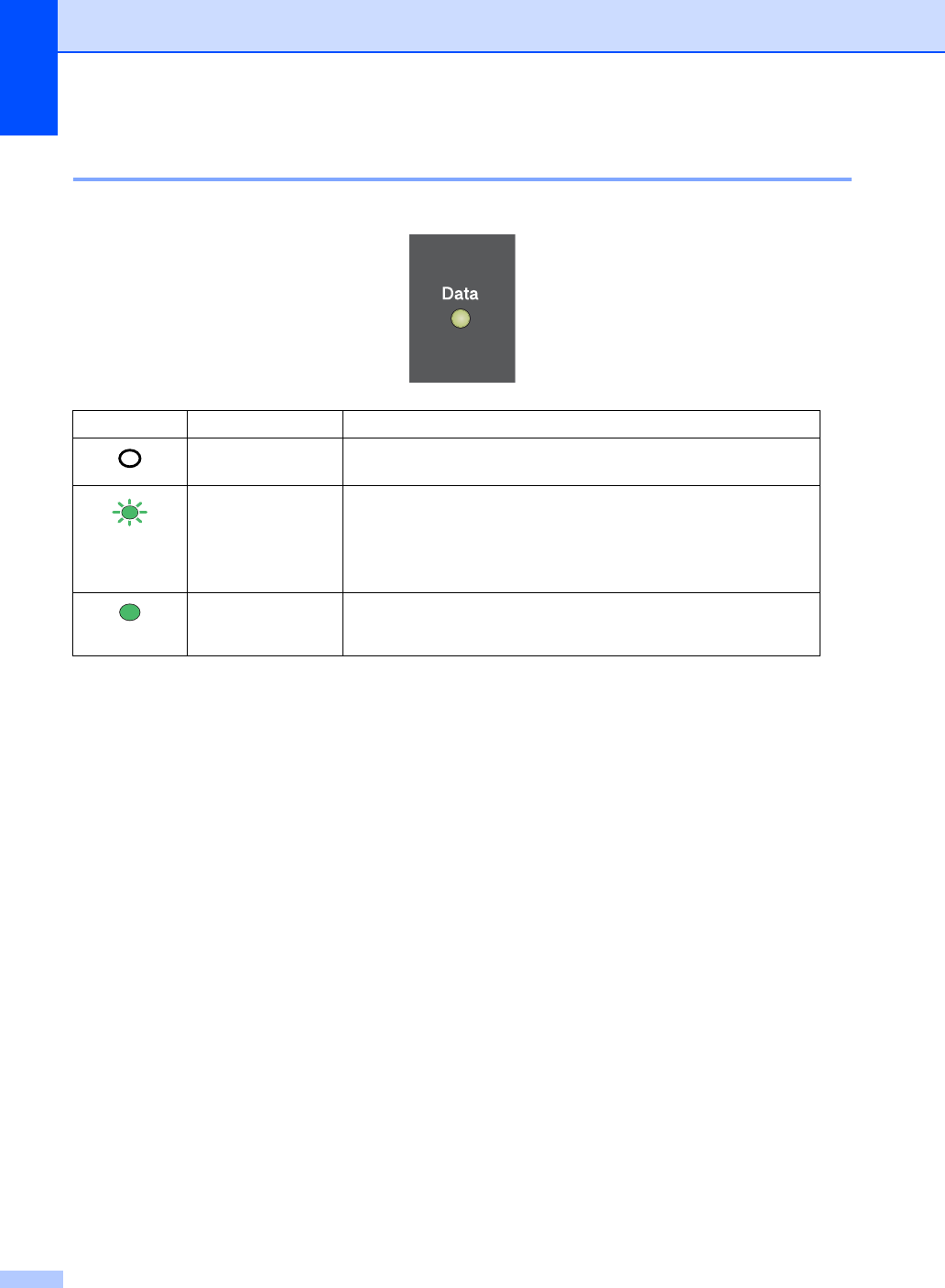
Data LED indications 1
The Data LED (light emitting diode) will flash depending on the machine’s status.
LED Machine Status Description
Ready Mode The machine is ready to print, in sleep mode, there is no print
data, or the power switch is off.
Green
(blinking)
Receiving Data The machine is either receiving data from the computer,
processing data in memory, or printing data.
Green
Data Remaining in
Memory
Print data remains in the machine memory.