
All in One Printer User Manual


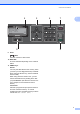
Table Of Contents
- BASIC USER’S GUIDE DCP-9055CDN
- User's Guides and where do I find it?
- Table of Contents
- 1 General information
- 2 Loading paper
- 3 Loading documents
- 4 Making copies
- 5 How to print from a computer
- 6 How to scan to a computer
- A Routine maintenance
- B Troubleshooting
- Error and maintenance messages
- Document is jammed in the top of the ADF unit
- Document is jammed under the document cover
- Removing small documents jammed in the ADF
- Document is jammed at the output tray
- Paper is jammed in the MP tray
- Paper is jammed in the Paper Tray 1 or Tray 2
- Paper is jammed at the back of the machine
- Paper is jammed inside the machine
- Paper is jammed underneath paper tray 1
- Troubleshooting
- Machine Information
- Error and maintenance messages
- C Menu and features
- D Specifications
- Index
- brother ARL/ASA/NZ/SAF/GLF
General information
7
1
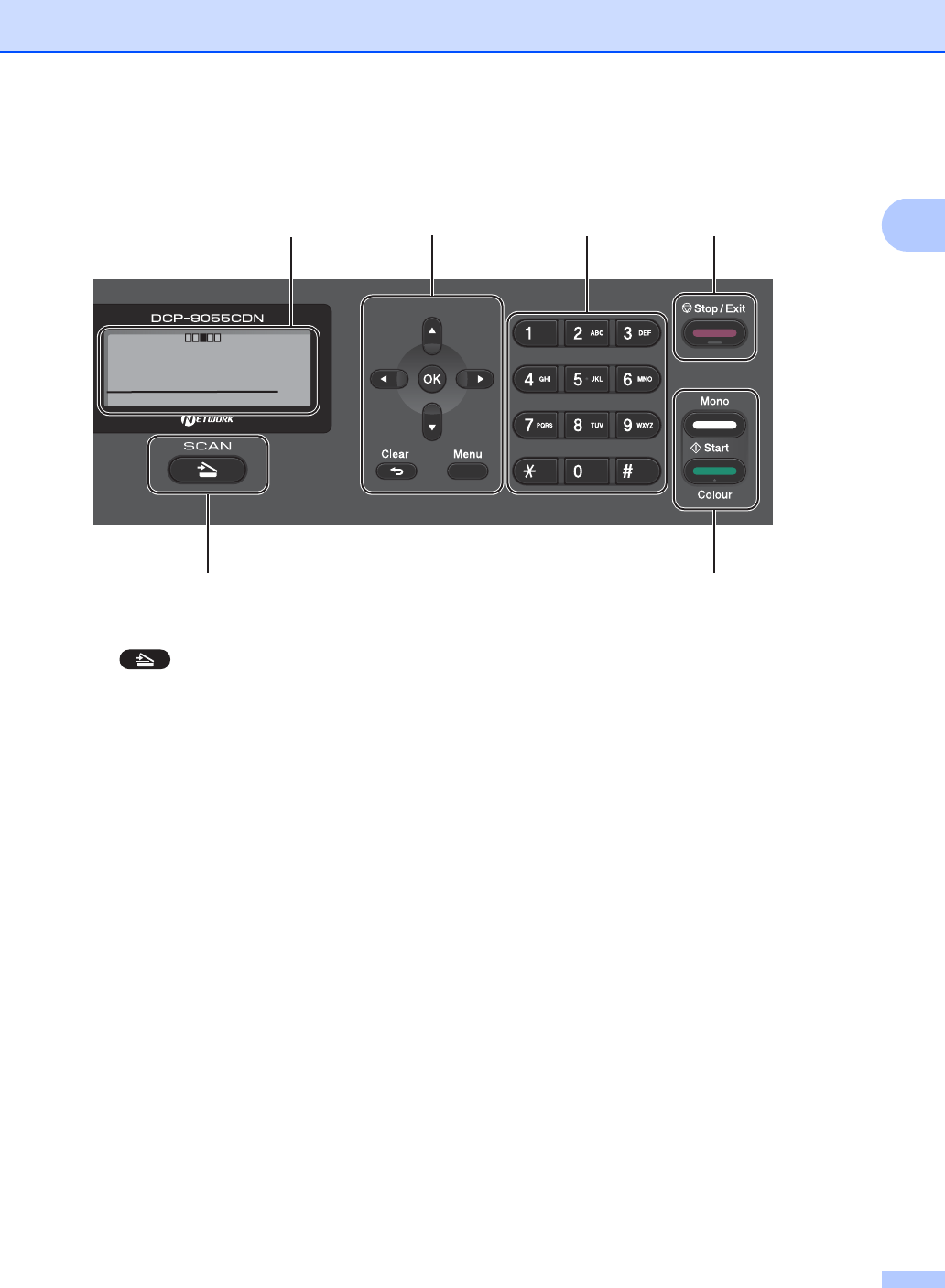
9 Scan:
Scan
Puts the machine in Scan mode.
10 Data LED
The LED will flash depending on the machine
status.
11 PRINT keys:
Secure
You can print data saved in the memory when
you enter your four-digit password. (For details
about using the Secure key, see the Software
User's Guide.)
When using Secure Function Lock, you can
switch restricted users by holding down d as
you press Secure. (See Secure Function Lock
2.0 in Chapter 2 of the Advanced User's
Guide.)
Job Cancel
Cancels a programmed print job and clears it
from the machine’s memory. To cancel
multiple print jobs, hold down this key until the
LCD shows Job Cancel (All).
45 67
8
9
Contrast:- +
Quality :Auto
Enlg/Red:100%
Tray :MP>T1
Sleep
01