
All in One Printer User Manual
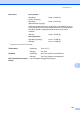

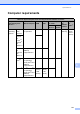
Table Of Contents
- BASIC USER’S GUIDE DCP-9055CDN
- User's Guides and where do I find it?
- Table of Contents
- 1 General information
- 2 Loading paper
- 3 Loading documents
- 4 Making copies
- 5 How to print from a computer
- 6 How to scan to a computer
- A Routine maintenance
- B Troubleshooting
- Error and maintenance messages
- Document is jammed in the top of the ADF unit
- Document is jammed under the document cover
- Removing small documents jammed in the ADF
- Document is jammed at the output tray
- Paper is jammed in the MP tray
- Paper is jammed in the Paper Tray 1 or Tray 2
- Paper is jammed at the back of the machine
- Paper is jammed inside the machine
- Paper is jammed underneath paper tray 1
- Troubleshooting
- Machine Information
- Error and maintenance messages
- C Menu and features
- D Specifications
- Index
- brother ARL/ASA/NZ/SAF/GLF
Specifications
131
D
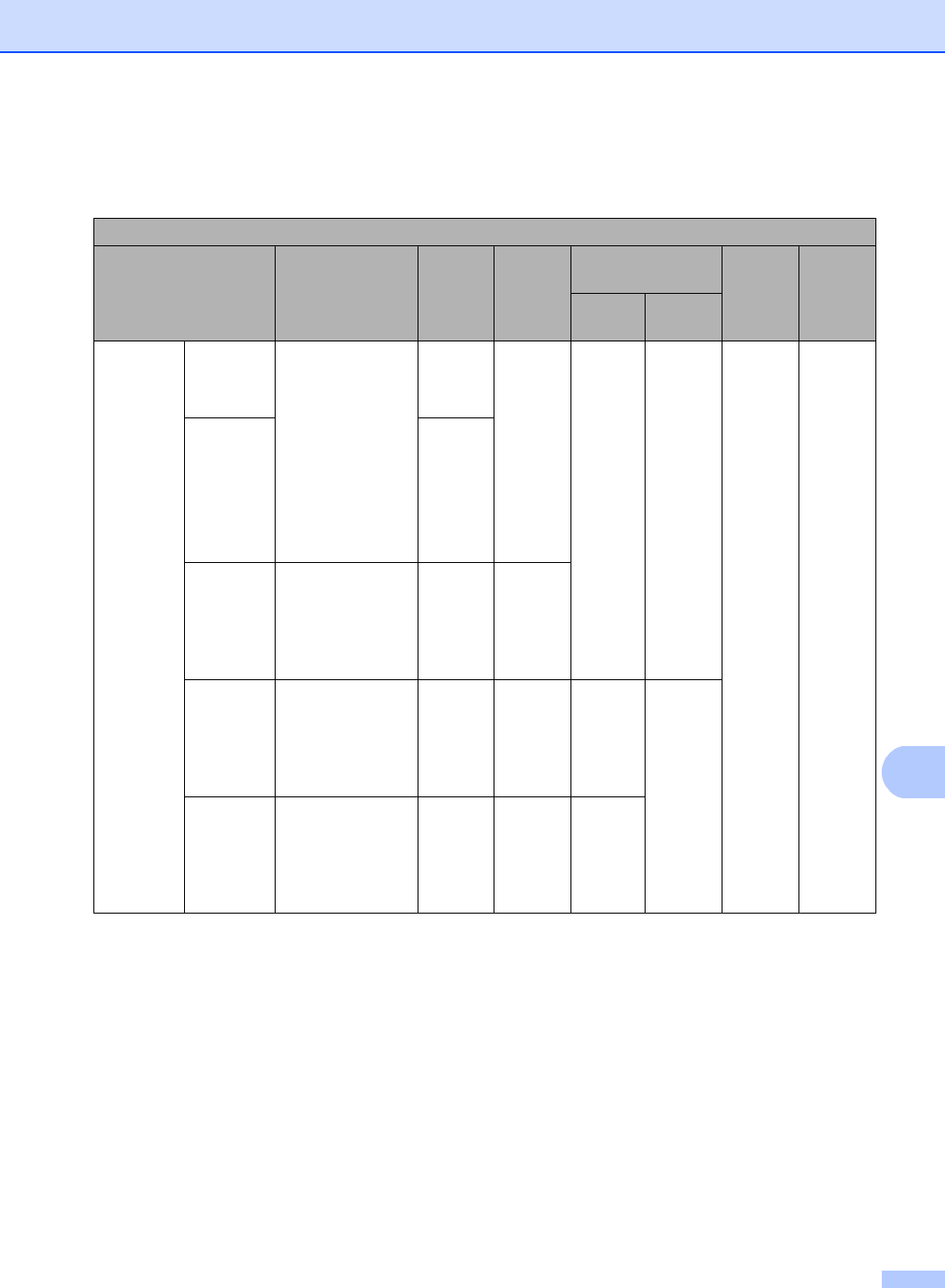
Computer requirements D
Minimum System Requirements and Supported PC Software Functions
Computer Platform &
Operating System
Version
Processor
Minimum Speed
Minimum
RAM
Recommended
RAM
Hard Disk Space
to install
Supported
PC
Software
Functions
Supported
PC
Interface
3
For
Drivers
For
Applications
Windows
®
Operating
System
1
Windows
®
2000
Professional
4
Intel
®
Pentium
®
II
or equivalent
64 MB 256 MB 150 MB 500 MB Printing,
Scanning
USB,
10/100
Base Tx
(Ethernet)
Windows
®
XP
Home
25
Windows
®
XP
Professional
25
128 MB
Windows
®
XP
Professional
x64
Edition
25
64-bit (Intel
®
64 or
AMD64)
supported CPU
256 MB 512 MB
Windows
Vista
®5
Intel
®
Pentium
®
4
or equivalent
64-bit (Intel
®
64 or
AMD64)
supported CPU
512 MB 1 GB 500 MB 1.2 GB
Windows
®
7
5
Intel
®
Pentium
®
4
or equivalent
64-bit (Intel
®
64 or
AMD64)
supported CPU
1 GB
(32-bit)
2 GB
(64-bit)
1 GB
(32-bit)
2 GB
(64-bit)
650 MB