
All in One Printer User Manual
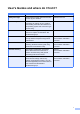
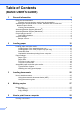


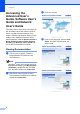
Table Of Contents
- BASIC USER’S GUIDE DCP-9055CDN
- User's Guides and where do I find it?
- Table of Contents
- 1 General information
- 2 Loading paper
- 3 Loading documents
- 4 Making copies
- 5 How to print from a computer
- 6 How to scan to a computer
- A Routine maintenance
- B Troubleshooting
- Error and maintenance messages
- Document is jammed in the top of the ADF unit
- Document is jammed under the document cover
- Removing small documents jammed in the ADF
- Document is jammed at the output tray
- Paper is jammed in the MP tray
- Paper is jammed in the Paper Tray 1 or Tray 2
- Paper is jammed at the back of the machine
- Paper is jammed inside the machine
- Paper is jammed underneath paper tray 1
- Troubleshooting
- Machine Information
- Error and maintenance messages
- C Menu and features
- D Specifications
- Index
- brother ARL/ASA/NZ/SAF/GLF
Chapter 1
2
Accessing the
Advanced User’s
Guide, Software User’s
Guide and Network
User’s Guide
1
This Basic User's Guide does not contain all
the information about the machine such as
how to use the advanced features Copy,
Printer, Scanner and Network. When you are
ready to learn detailed information about
these operations, read the Advanced User’s
Guide, Software User’s Guide, Network
Glossary and Network User’s Guide that
are on the Documentation CD-ROM.
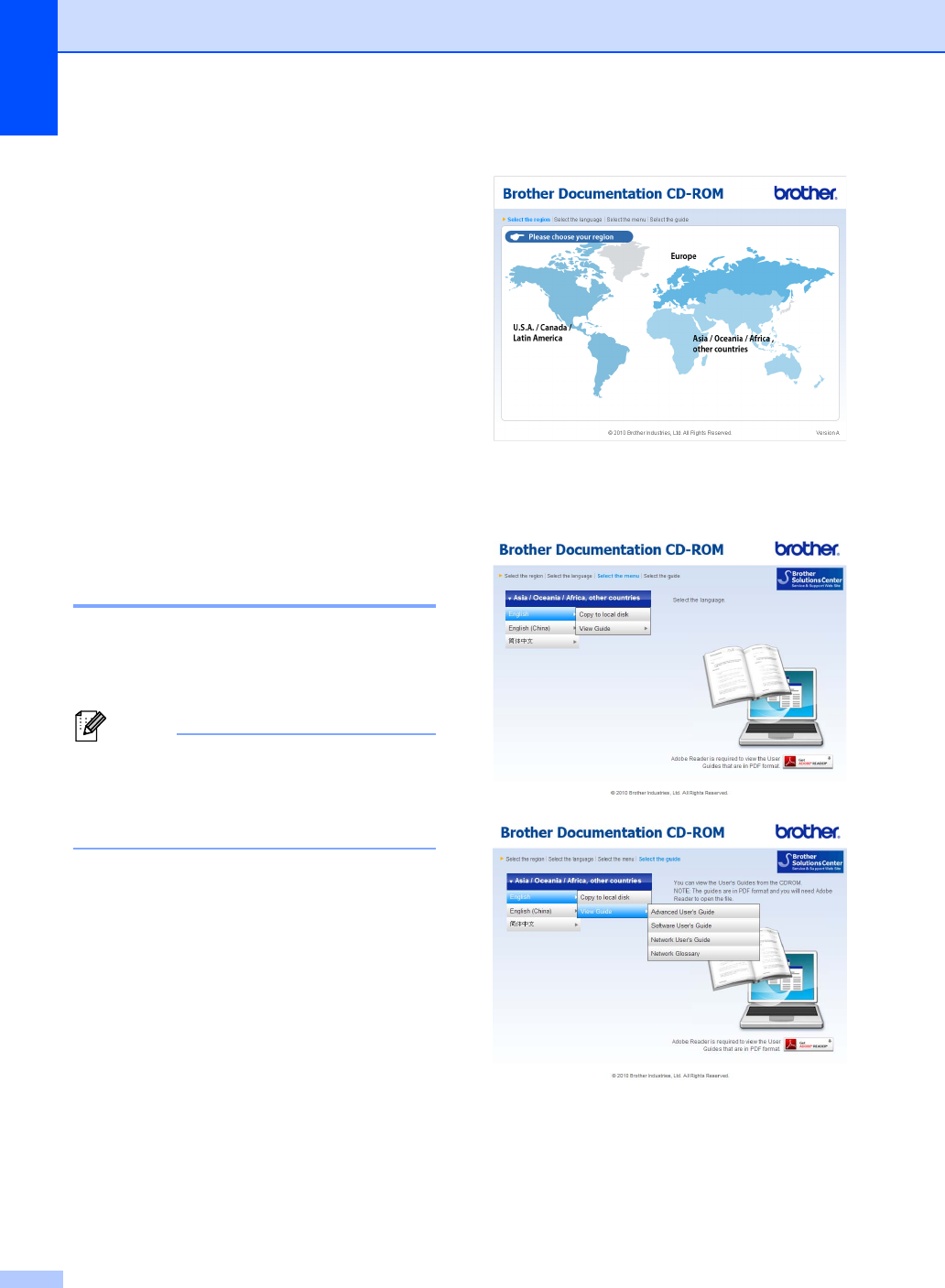
Viewing Documentation 1
a Turn on your computer. Insert the
Documentation CD-ROM into your
CD-ROM drive.
Note
(Windows
®
users) If the screen does not
appear automatically, go to My Computer
(Computer), double-click the CD-ROM
icon, and then double-click index.html.
b (Macintosh users) Double-click the
Documentation CD-ROM icon, and then
double-click index.html.
c Click your country.
d Point to your language, point to View
Guide, and then click the guide you
want to read.