
Printer User Manual

PRINTER DRIVER SETTINGS 2 - 6
Advanced tab
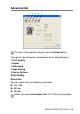
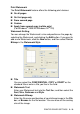
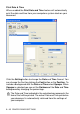
Change the tab settings by selecting one of the following icons:
1 Print Quality
2 Duplex
3 Watermark
4 Page Setting
5 Device Options
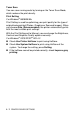
Print Quality
Resolution
You can select from the following resolutions:
■ HQ 1200
■ 600 dpi
■ 300 dpi
To return to the default settings, click the Default button.
When you select Use Duplex Unit, HQ 1200 is not available.
12345