
- Benq User's Manual Monitor FP231W
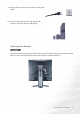

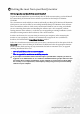

Table Of Contents
- Copyright
- Disclaimer
- Please follow these safety instructions for best performance, and long life for your m...
- Table of Contents
- Getting started
- Getting to know your Monitor
- How to install your monitor hardware
- Getting the most from your BenQ monitor
- How to adjust the screen resolution
- HHow to adjust the screen refresh rate
- How to set the picture optimization
- How to adjust your Monitor
- Troubleshooting
- Supported operating modes
- Specifications
11 How to install your monitor hardware
Adjusting Your Monitor
Monitor Height
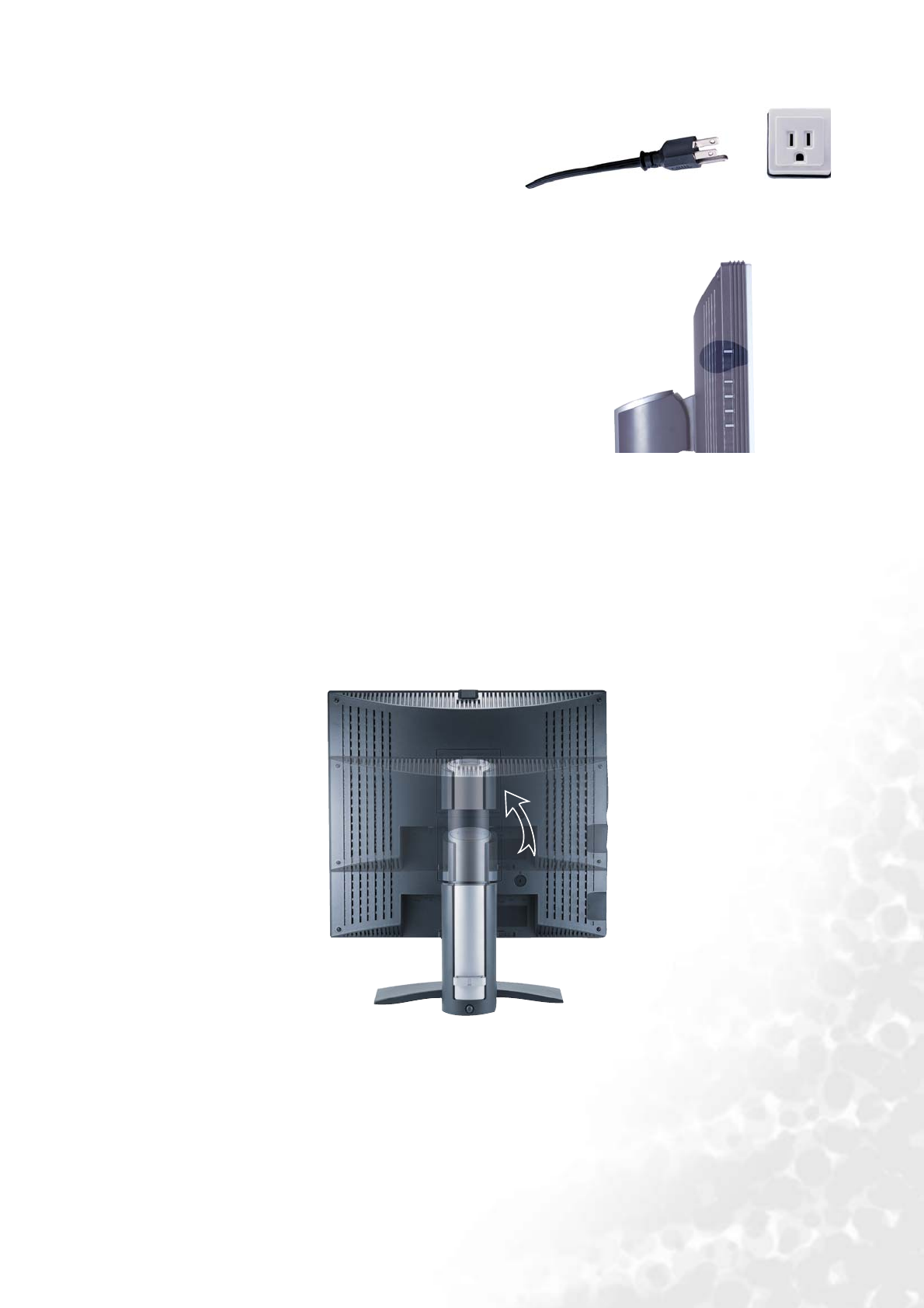
9. Plug the other end of the power cord in a nearby wall
socket.
10. Press the Power button on the side panel of the
monitor. The power indicator will light up.
To prevent from the springing out of the monitor stand, please press the top edge of monitor stand
while you press the release button to adjust the monitor at a preferred height.