
- Benq User's Manual Monitor FP231W


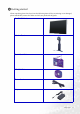
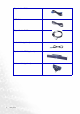
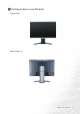
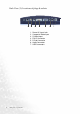
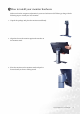
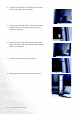
Table Of Contents
- Copyright
- Disclaimer
- Please follow these safety instructions for best performance, and long life for your m...
- Table of Contents
- Getting started
- Getting to know your Monitor
- How to install your monitor hardware
- Getting the most from your BenQ monitor
- How to adjust the screen resolution
- HHow to adjust the screen refresh rate
- How to set the picture optimization
- How to adjust your Monitor
- Troubleshooting
- Supported operating modes
- Specifications
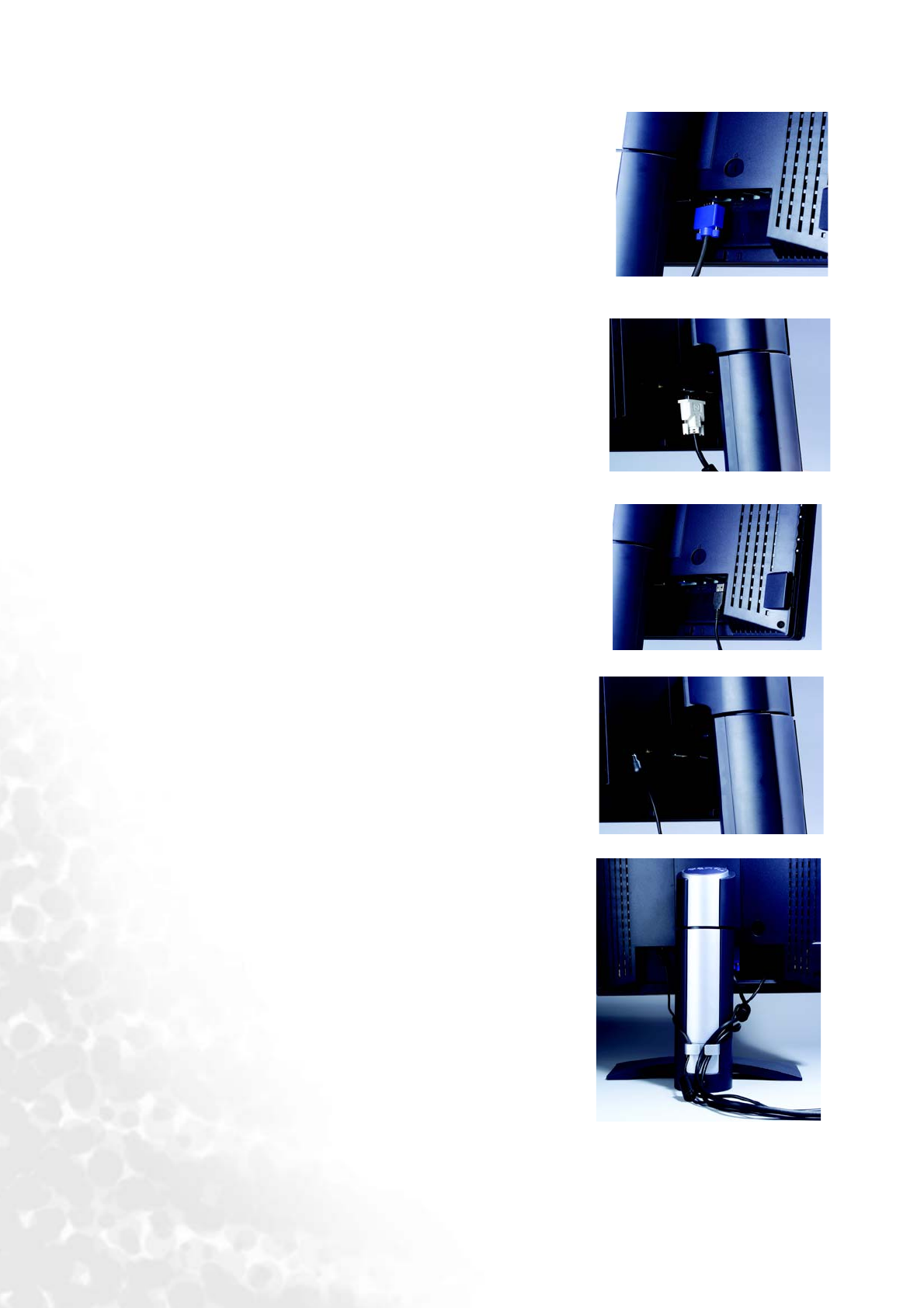
10 How to install your monitor hardware
4. Connect one end of the D-Sub cable to the monitor
and the other end to your computer.
5. Connect one end of the DVI-D cable to the monitor
and the other end to the signal connector of your
computer. (Optional).
6. Connect one end of the USB cable into the second
plug (from right to left) of the monitor and the other
end to your computer.
7. Connect the power plug to your monitor.
8. Routing the cables in the Cable Bracket as shown.