
User's Manual



BenQ DC 5530 User’s Manual
Using the DC C60
27
English
3.10. Playing Back Images [ ]
3.10.1. Playing Back Photographed Images
(Single-Frame Playback)
Play back photographed still images one image at a time.
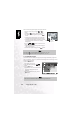
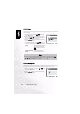
1. Set the mode dial to [ ] and power on the camera.
• The last recorded image appears on the LCD monitor.
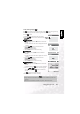
2. Rotate the COMMAND dial or press the or
button to advance to next frame or to go back one
frame.
• Rotate clockwise: Display the next image.
• Rotate counterclockwise: Display the previous image.
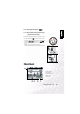
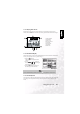
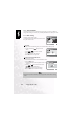
Playback mode (Standard):
1. Folder number
2. File number
3. Voice memo icon
4. Protect icon
5. Mode icon