
User's Manual


BenQ DC 5530 User’s Manual
Using the DC C60
15
English
3.1.8.1. Picture Setting
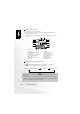
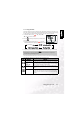
The Picture Setting contains 5 items: Size, Quality, Sharpness, Contrast and Color.
Size
Set the desired image size.
[2816 x 2112]: 2816 x 2112 pixel (6M)
[2272 x 1704]: 2272x1704 pixel (4M)
[1600 x 1200]: 1600x 1200 pixel (2M)
[640 x 480]: 640 x 480 pixel (VGA)
Note
•
In the [ ] mode, image size available is 320 x 240 pixels.
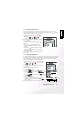
Quality
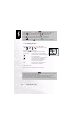
This sets the quality (compression rate) at which the photograph is taken.
[Fine]: Low compression rate
[Standard]: Normal
[Economy]: High compression rate
[TIFF]: No compression rate (the highest image quality and the largest
file sizes.)
Note
•
In the [ ] mode, image size available is 320 x 240 pixels.
Note
•
Economy setting cannot be set in the [ ] mode.
• TIFF setting is selectable only when size setting is set to 2816x2112.
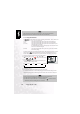
Sharpness
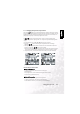
This sets the sharpness of the image that will be photographed.
[Hard]: Hard touch
[Normal] : Normal touch
[Soft]: Soft touch
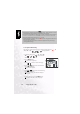
Note
•
This setting cannot be set in the [ ] mode.