
User manual



alpha Configuration Suite User Manual
Page 6 of 33
21003-1.2
System Protection
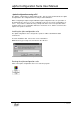
Before you can use the alpha configuration suite you must input your Username and
Password then press OK. The passwords are common for both the software suite and user
access from the front panel of the alpha.
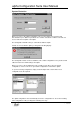
The Configuration PC will now try to communicate with the alpha
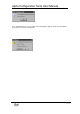
If it fails to connect with the alpha you will get the following display.
The Configuration Suite can be used Off-line, This enable configurations to be produced and
edited off-site before downloading to the alpha.
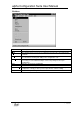
Before you can use the Configuration suite you will need to either open an existing
configuration, create a new one or up-load the configuration resident in the alpha.
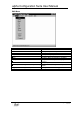
To open an existing configuration, simply select File-Open and select from the list of
configurations the file required.
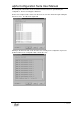
The alpha configuration suite automatically checks the configuration for errors when loading.
If the configuration is Ok you will get the following message.